- Blog
- ServicesHere's your portrait image and caption: **Image** (vertical, ready for Instagram/TikTok): a clean beige desktop tower with serial ports beside a vintage CRT monitor glowing softly in the workshop. --- **Caption:** Not everything needs to be cutting-edge to work perfectly. Some machines just need to keep doing their job — quietly, reliably, every single day. That's where we come in. For over **30 years**, Hills Computer Geeks has been building and repairing PCs across the Hills District. And yes, we still handle the classics: 🖥️ **Windows 95** 🖥️ **Windows XP** 🖥️ **Windows 7** Have equipment that still relies on a **serial port**? Cash registers, industrial gear, lab instruments, specialised machinery — we can build and repair the custom PCs that keep them running. We work with both **businesses** and **home users**, whether you need a legacy machine rebuilt from scratch or an old faithful brought back to life. Old tech isn't obsolete when it's in the right hands. Let's keep yours working. 📍 Baulkham Hills, NSW 📞 0407 400 405 #LegacyTech #CustomPCBuild #SerialPort #WindowsXP #HillsDistrict Would you like me to adjust the tone, shorten it, or try a different image style?

Top 10 Myths About Virus Infections and How to Protect Your Devices


Understanding Virus Infections
In the digital age, virus infections remain a major concern for device users worldwide. Despite advancements in technology, many myths persist, clouding the understanding of how viruses operate and how to best protect against them.
Before diving into the myths, it's crucial to understand what a virus infection really is. A computer virus is a malicious code that replicates itself and spreads from one device to another, often causing damage or stealing information.

Top 10 Myths About Virus Infections
Myth 1: Only PCs Get Viruses
One common misconception is that only PCs are susceptible to viruses. In reality, any internet-connected device, including Macs and smartphones, can be infected. It's essential to implement security measures across all devices.
Myth 2: Antivirus Software Is Foolproof
While antivirus software is a crucial part of device protection, it is not infallible. New viruses are constantly being developed, and it's important to regularly update your software and remain vigilant about potential threats.
Myth 3: You Can Tell If Your Device Is Infected
Many believe that a virus infection will always cause noticeable symptoms, like slow performance or frequent crashes. However, some viruses operate silently, making it difficult to detect them without proper software.
Protecting Your Devices
Regular Software Updates
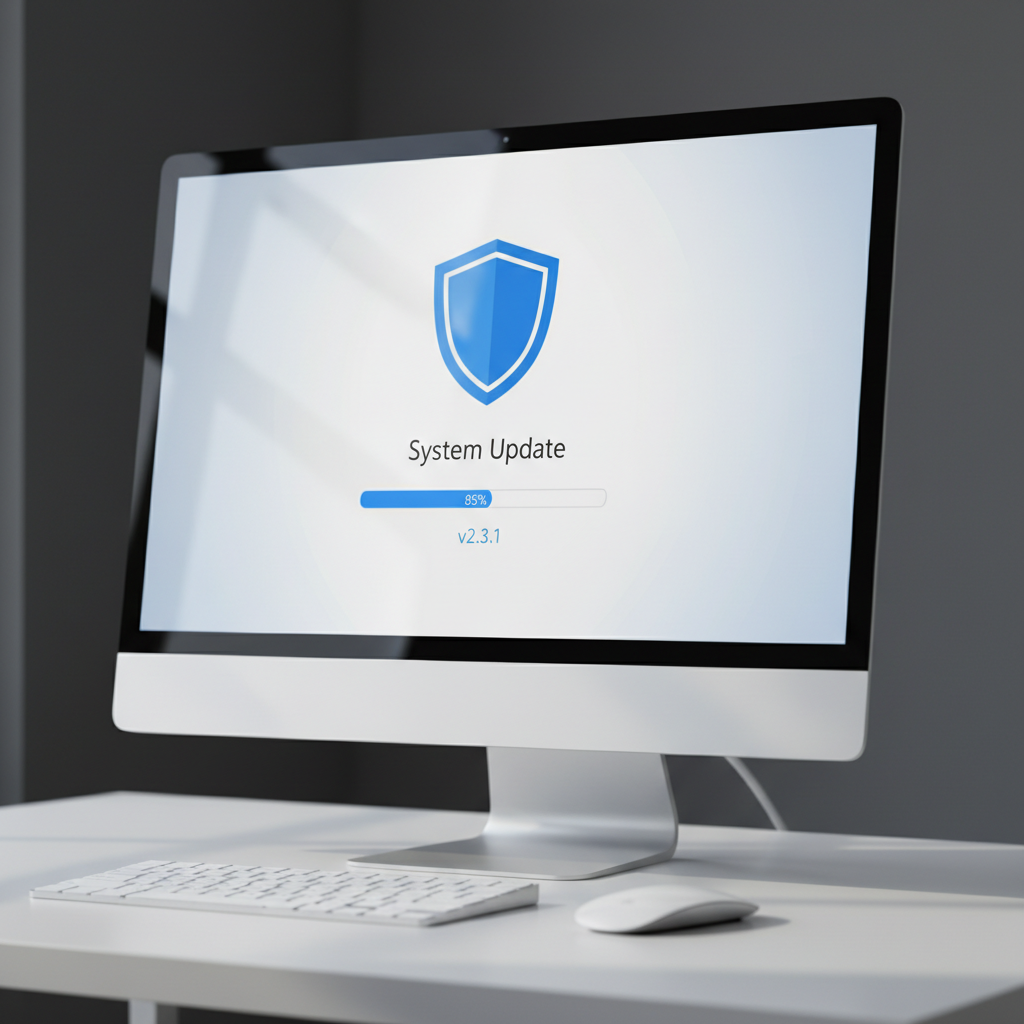
Keeping your operating system and applications up to date is one of the most effective ways to protect against viruses. Updates often include patches for security vulnerabilities that viruses exploit.
Avoid Suspicious Links and Downloads
One of the most common ways viruses spread is through malicious links or downloads. Always be cautious of unknown emails or websites, and never download files from untrusted sources.
Use Strong, Unique Passwords
Strong, unique passwords help protect your accounts from unauthorized access. Consider using a password manager to generate and store complex passwords securely.
Conclusion
Understanding and dispelling myths about virus infections is crucial for protecting your devices. By staying informed and taking proactive measures, you can significantly reduce the risk of infection. Remember, vigilance and education are your best defenses in the digital world.