
The Ultimate Guide to Setting Up Your New Device with Hills Computer Geeks


Getting Started with Your New Device
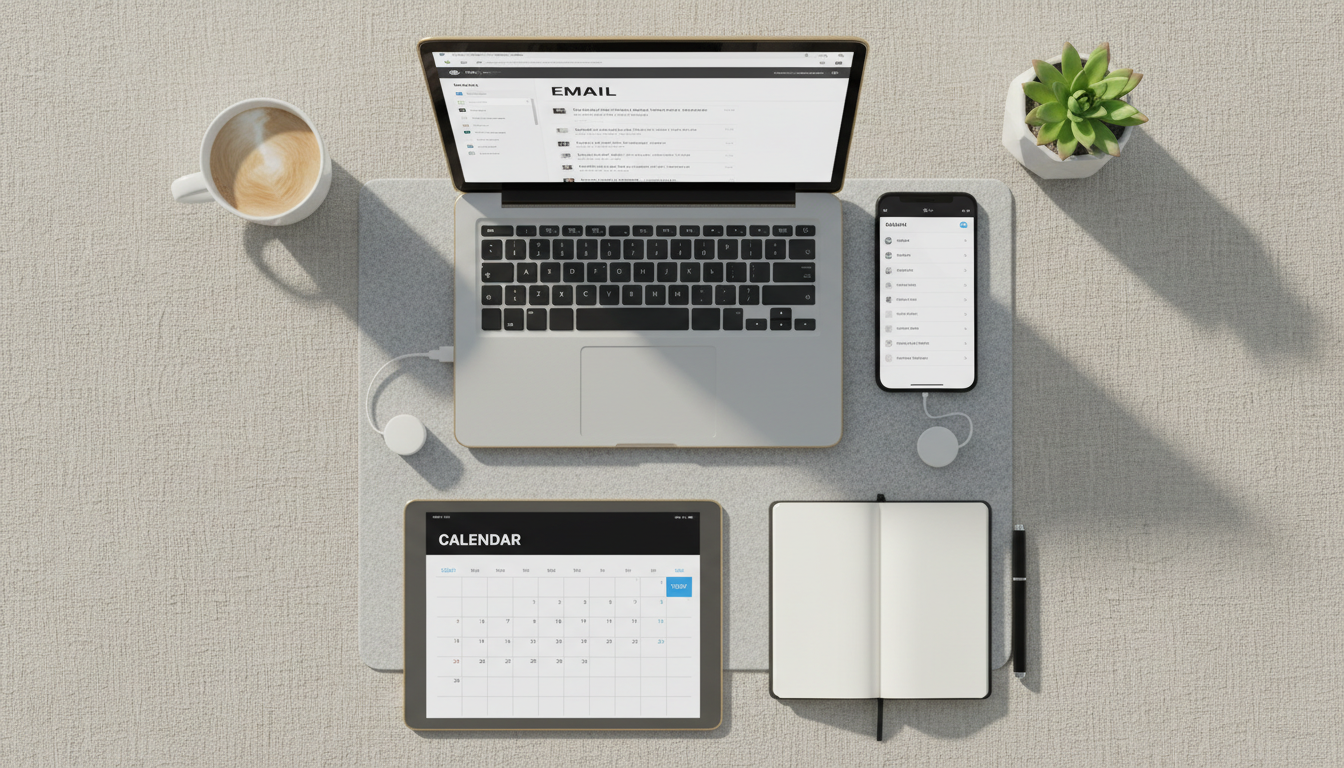
Welcome to Hills Computer Geeks' ultimate guide to setting up your new device. Whether it's a smartphone, tablet, or laptop, the excitement of unboxing a new gadget is unmatched. However, setting it up correctly is crucial to ensure optimal performance. In this guide, we'll walk you through the essential steps to get your device up and running smoothly.
Initial Setup and Configuration
The first step is powering on your device. Once it's on, you'll be prompted to select a language and connect to a Wi-Fi network. Be sure to choose a secure network to protect your data. After connecting, sign in with your existing account or create a new one.
It's important to update your device's software to the latest version. Manufacturers often release updates to improve performance and security. Navigate to the settings menu and check for any available updates.
Securing Your Device
Security is paramount. Set up a strong password or use biometric options like fingerprint or facial recognition if available. This adds an extra layer of protection against unauthorized access.
Consider installing trusted antivirus software if your device is a computer. Regular scans will help keep your device safe from malware and other threats.

Personalizing Your Device
Personalization makes your device uniquely yours. Customize your home screen with widgets and apps that suit your needs. Adjust settings such as brightness and sound to your preference.
For mobile devices, organize your apps into folders to keep your home screen tidy. On a computer, arrange your desktop icons for easy access.
Transferring Data from Old Devices
If you're transitioning from an old device, transferring data is key. Many devices offer built-in tools to facilitate this process. For instance, Apple's Quick Start or Android's Data Transfer Tool can make this task seamless.
Alternatively, you can manually transfer data using cloud services like Google Drive or Dropbox. This ensures your important files are safely backed up and accessible.

Installing Essential Apps
Once your device is set up, head to the app store to download essential applications. Consider productivity apps like Microsoft Office or Google Workspace for work, and entertainment apps like Netflix or Spotify for leisure.
Don’t forget to install social media apps to stay connected with friends and family. Always download apps from reputable sources to avoid security risks.
Maintaining Your Device
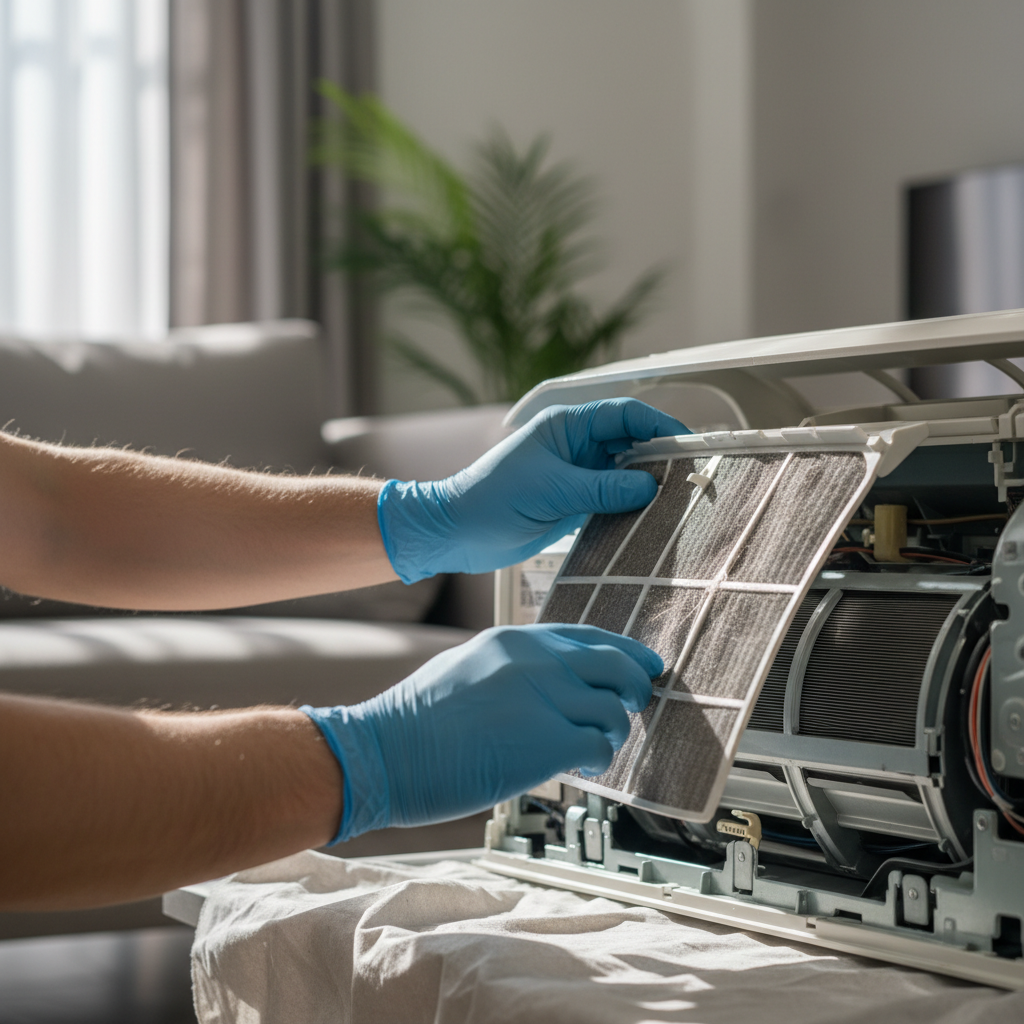
Regular maintenance is crucial for device longevity. Clean your device's exterior with a soft, lint-free cloth to avoid dust buildup. Keep your software updated and remove unused apps to free up space.
Consider investing in accessories like screen protectors or cases to safeguard against physical damage. This simple step can extend the life of your device significantly.
Congratulations on setting up your new device! By following this guide, you're well on your way to enjoying all its features while keeping it secure and efficient. For further assistance, don't hesitate to reach out to Hills Computer Geeks. We're here to help with all your tech needs!