
The Ultimate Guide to PC Maintenance in Bella Vista


Introduction to PC Maintenance
In Bella Vista, maintaining your PC is essential for ensuring optimal performance and longevity. Regular maintenance can prevent unexpected failures and keep your system running smoothly. This guide will walk you through the best practices for PC upkeep, helping you keep your machine in top shape.
Regular Software Updates
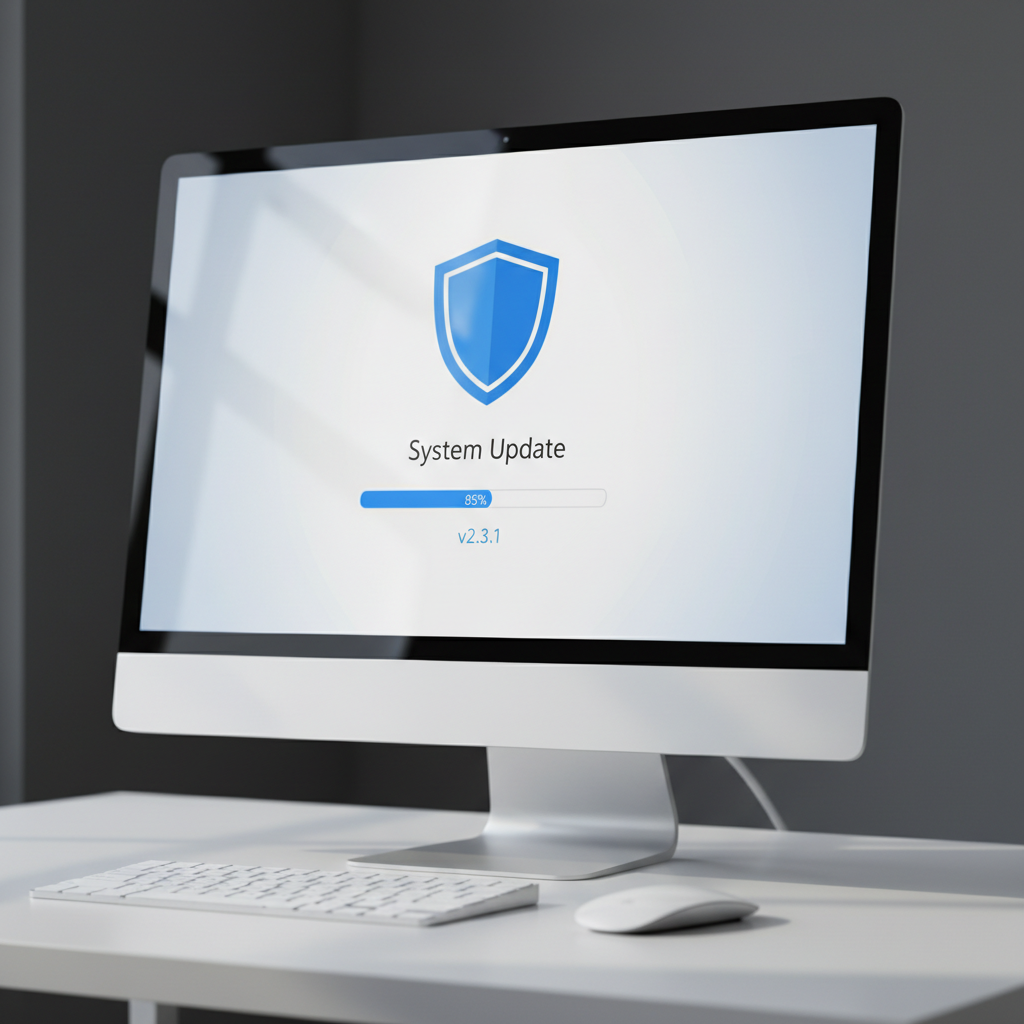
Keeping your software up to date is crucial. Software updates often include security patches and performance improvements. Set your operating system and applications to update automatically. This ensures you don't miss any critical updates that could protect your PC from vulnerabilities.
Operating System Updates
For Windows users, ensure that the automatic updates are enabled. Navigate to the settings and check for updates regularly. Mac users can do the same by visiting the "Software Update" section in "System Preferences."
Application Updates
Don't forget your applications. Many programs have built-in update features. If not, periodically visit the developer's website to download the latest version. Keeping everything current can significantly enhance your computer's security and efficiency.
Physical Cleaning and Maintenance
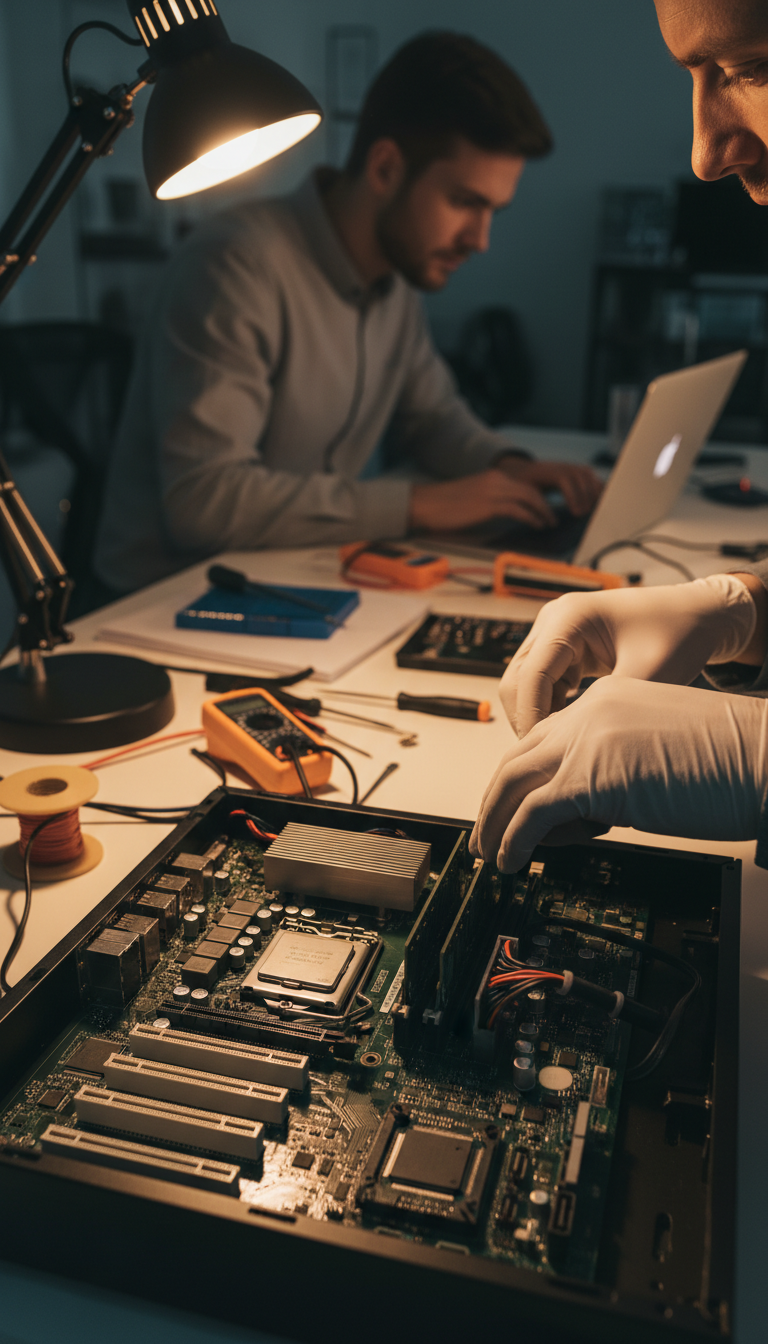
Dust and debris can accumulate inside your PC, leading to overheating and hardware failure. Regular physical cleaning can prevent these issues. Power down your PC, unplug it, and use compressed air to gently remove dust from the interior and ports.
Cleaning the Exterior
Wipe down the exterior of your PC with a microfiber cloth. Avoid using harsh chemicals, as they can damage the surface. Make sure to clean the keyboard and mouse as well, as they can harbor germs and dirt.
Internal Cleaning
If you're comfortable opening your PC case, use compressed air to remove dust from the fans and other components. Be cautious and avoid touching any internal parts to prevent static damage.

Data Backup and Organization
Regular data backups are essential to safeguard your files. Consider using cloud services or external hard drives for backups. Organize your files systematically to make retrieval easy and efficient.
Cloud Backups
Utilizing cloud storage solutions like Google Drive, Dropbox, or OneDrive can provide peace of mind. They automatically sync your files, ensuring you have access to them even if your PC encounters issues.
External Hard Drives
For a more traditional approach, invest in a reliable external hard drive. Schedule weekly or monthly backups to keep your data secure against unforeseen events like hardware failures or malware attacks.
Security and Protection
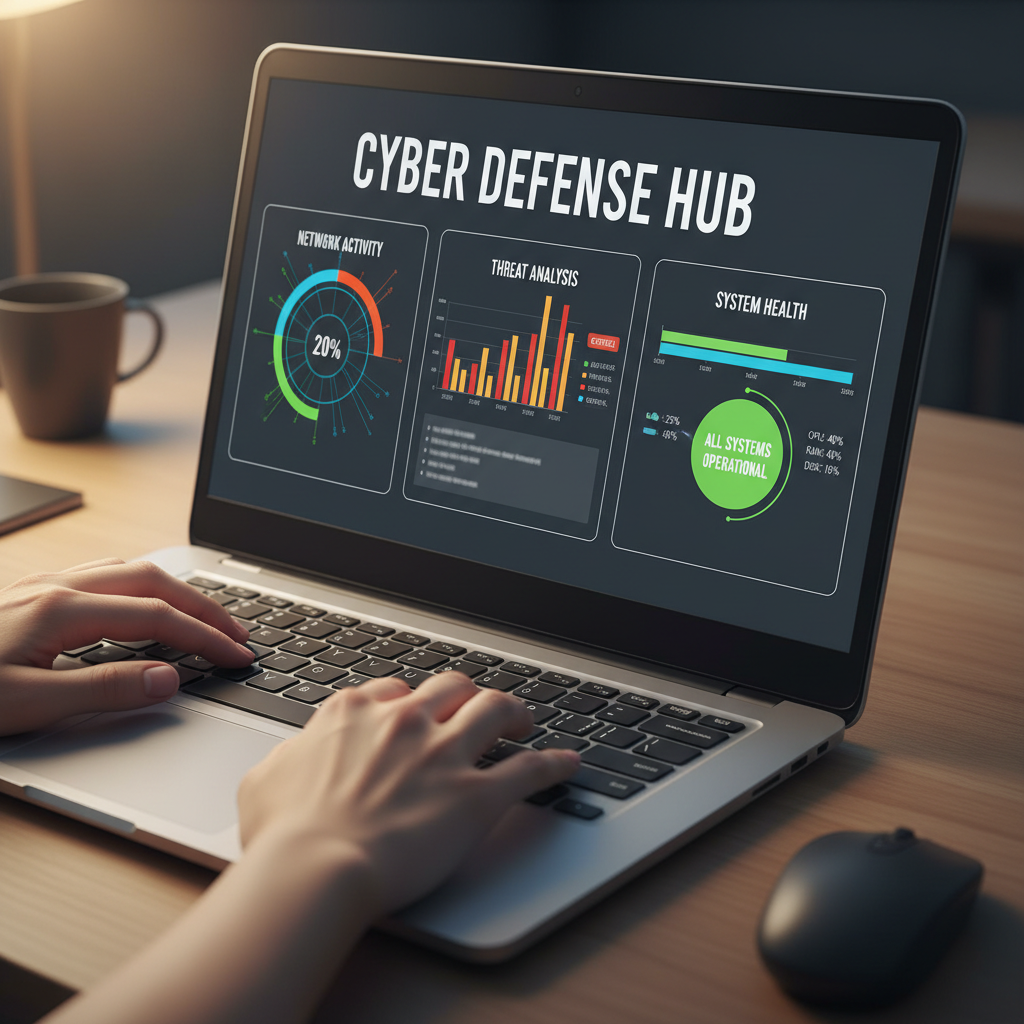
Protecting your PC from malicious threats is critical. Install a reputable antivirus program and perform regular scans. This will help identify and remove potential threats before they can cause damage.
By following this guide, you can ensure your PC remains in excellent condition, providing you with reliable performance for years to come. Implement these practices regularly and enjoy a smoother, more secure computing experience in Bella Vista.