The Ultimate Guide to PC Maintenance in Bella Vista


Why Regular PC Maintenance Matters
In today's digital age, our PCs serve as essential tools for work, entertainment, and communication. Regular maintenance is crucial to ensure optimal performance and longevity. Without it, your PC may slow down, experience frequent crashes, or even face hardware failures. For residents of Bella Vista, keeping your computer in top shape is easier than you might think.
Cleaning Your Computer
External Cleaning
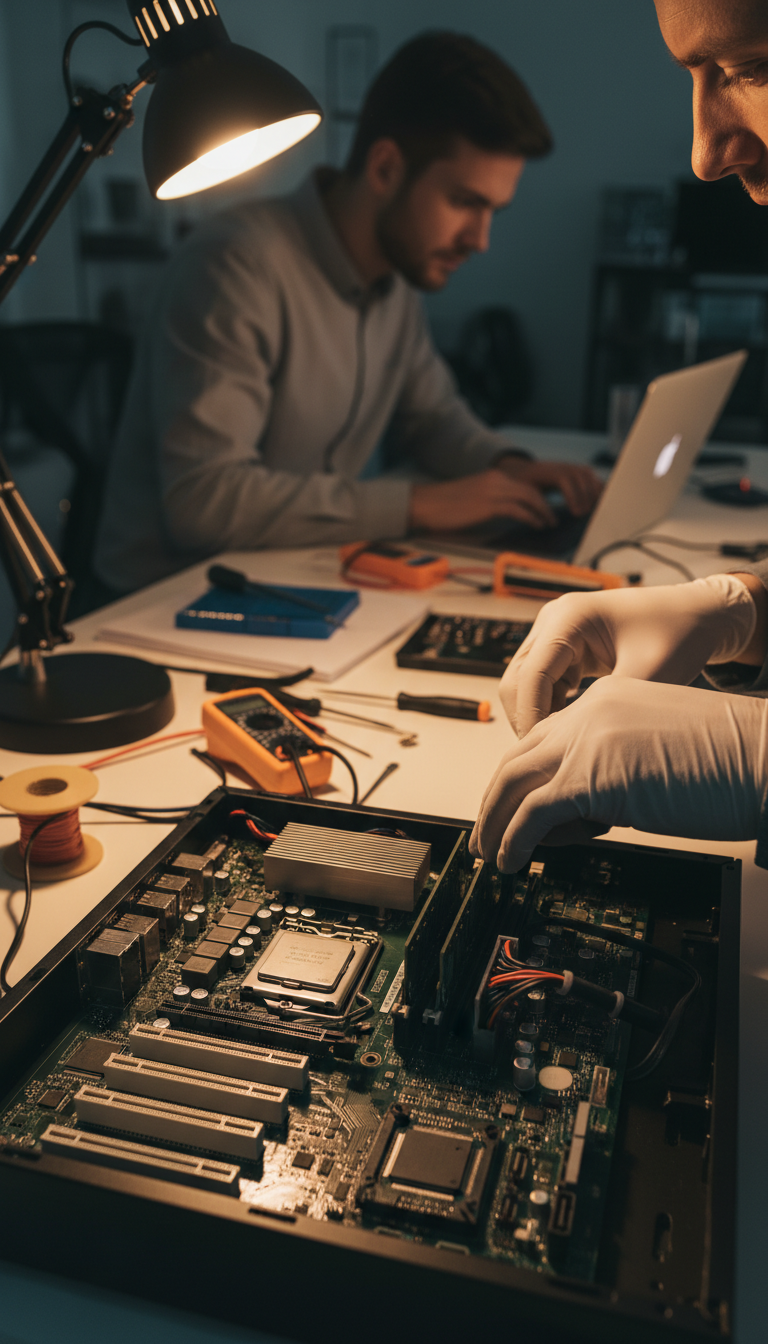
The first step in PC maintenance is keeping your hardware clean. Dust and dirt can accumulate in your computer's vents and components, leading to overheating and reduced performance. Use a microfiber cloth to wipe down surfaces and a can of compressed air to blow out dust from the keyboard and vents. Make sure your PC is turned off and unplugged before you start.
Internal Cleaning
Opening your PC case to clean the inside might seem daunting, but it's necessary for preventing dust buildup on internal components. Gently clean the fans and other parts with compressed air, being careful not to touch any components directly. Regular internal cleaning can significantly improve your PC's performance.

Software Maintenance
Update Your Operating System
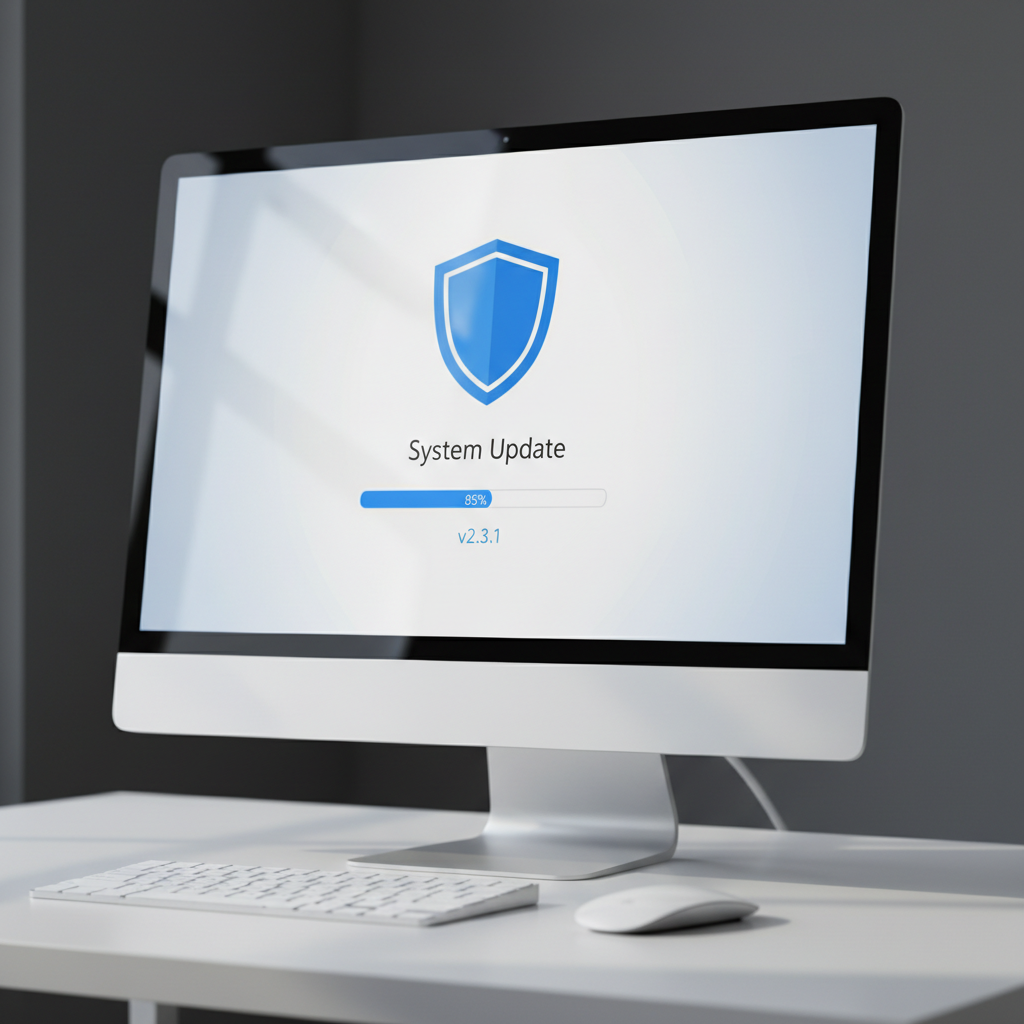
Keeping your operating system updated is vital for security and efficiency. Updates often include patches for vulnerabilities and performance enhancements. Make sure to enable automatic updates or regularly check for updates manually.
Manage Your Software
Uninstall programs you no longer use to free up space and improve your PC's speed. Additionally, regularly defragment your hard drive if you're not using an SSD, and use disk cleanup tools to remove temporary files.
Enhancing Security
PC security is paramount in protecting your data and privacy. Ensure you have reliable antivirus software installed and keep it updated. Regularly scan your system for malware and viruses. It's also wise to use strong, unique passwords for all your accounts.
Backing Up Your Data
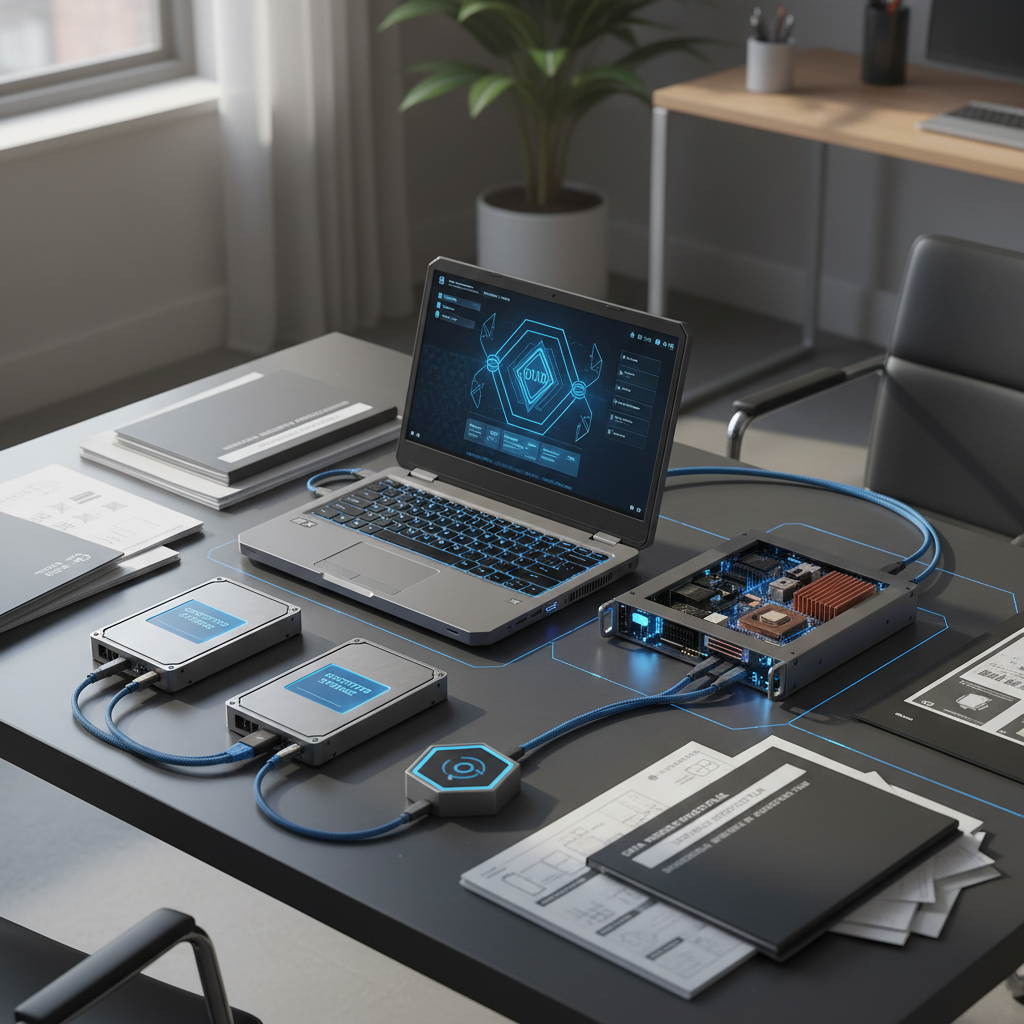
Backing up your data is a critical component of PC maintenance. Use cloud services or external drives to back up important files regularly. This practice ensures you won't lose valuable data in case of a hardware failure or other issues.
Conclusion
Maintaining your PC doesn't have to be a daunting task. By following these simple steps, Bella Vista residents can ensure their computers run smoothly and efficiently. Regular maintenance not only enhances performance but also extends the life of your PC, saving you time and money in the long run. Start taking these steps today for a better computing experience.