
Setting Up Your Home Wi-Fi: Troubleshooting Common Network Problems


Setting up a home Wi-Fi network can be a rewarding experience, but it can also come with its own set of challenges. Many users encounter common issues that can be frustrating to resolve. This guide will walk you through troubleshooting some of these common network problems, ensuring a smooth online experience.
Understanding Your Network Equipment
Before diving into troubleshooting, it’s essential to understand the basic components of your Wi-Fi network. Typically, your network consists of a modem, a router, and the devices you wish to connect. Knowing how these elements work together can help you diagnose issues more effectively.

Modem and Router Basics
The modem connects your home to the internet, while the router distributes the connection to various devices. Make sure both devices are properly connected and powered on. If you're experiencing connectivity issues, a simple restart can often resolve temporary glitches.
Addressing Connectivity Issues
One of the most common problems is losing connection to the internet. If your devices are having trouble connecting, you can try the following steps:
- Restart your modem and router.
- Check for loose cables or connections.
- Ensure your device is within range of the router.

Interference and Signal Strength
Wi-Fi signals can be disrupted by physical obstacles or interference from other electronic devices. To improve signal strength, place your router in a central location and away from appliances or thick walls. Consider using a Wi-Fi extender if needed.
Securing Your Network
Security is a vital aspect of maintaining a reliable home network. Ensure your Wi-Fi is password-protected to prevent unauthorized access. Regularly update your router’s firmware to keep it secure from vulnerabilities.

Changing Default Settings
Many routers come with default login credentials that are easy for attackers to guess. Change these settings as soon as possible. This simple step can significantly enhance your network’s security.
Dealing with Slow Internet Speeds
If your internet speed is slower than expected, consider the number of devices connected. Too many devices can strain your bandwidth. Disconnect any unnecessary devices to see if performance improves.
Checking for Updates
Make sure your devices and router firmware are up-to-date. Manufacturers frequently release updates that can enhance performance and security. Regular updates can resolve many issues related to slow internet speeds.
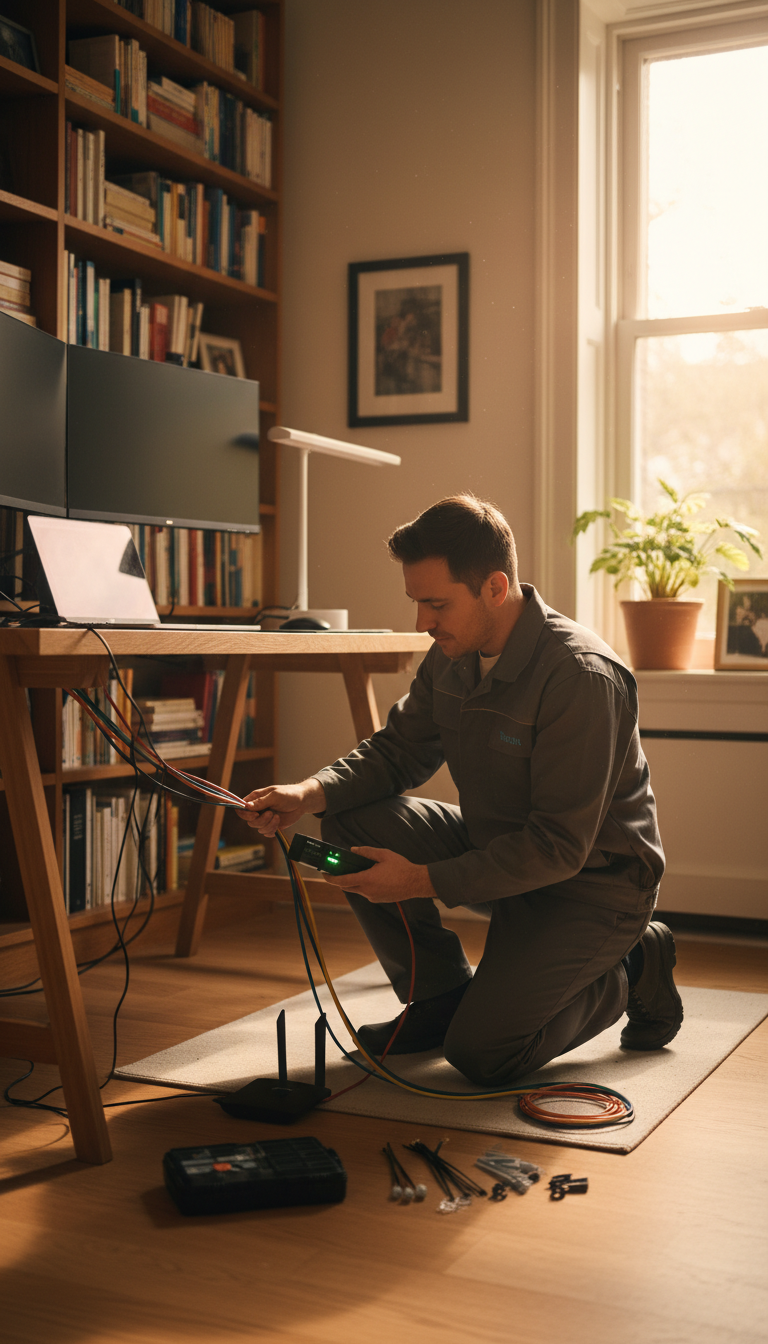
By following these troubleshooting tips, you can address many of the common issues that arise when setting up a home Wi-Fi network. Remember, a stable and secure connection not only enhances your online experience but also keeps your data safe. Happy surfing!