
Preventing Virus Infections: Essential Computer Security Tips


Understanding the Threat Landscape
In today's digital age, viruses and malware are more sophisticated than ever, posing significant threats to both personal and professional data. Understanding these threats is the first step in safeguarding your systems. Computer viruses can steal sensitive information, corrupt files, and even render your hardware useless.

Types of Threats
There are various types of malware, including viruses, worms, trojans, and ransomware. Each type operates differently but often shares the common goal of causing harm. Recognizing these threats can help in choosing the right protection strategies. Staying informed about new and emerging threats is crucial.
Implementing Robust Antivirus Solutions
One of the most effective ways to prevent virus infections is by using a reliable antivirus program. These programs are designed to detect, quarantine, and remove harmful software before it can do any damage. Ensure your antivirus software is always up-to-date to protect against the latest threats.
Choosing the Right Antivirus
When selecting an antivirus, consider factors such as ease of use, detection rates, and customer support. Many software providers offer free trials, allowing you to test their features before committing. Regularly scheduled scans can further enhance your security posture.
Practicing Safe Browsing Habits
Your browsing habits significantly impact your computer's vulnerability to viruses. Avoid clicking on suspicious links or downloading attachments from unknown sources. Phishing scams often disguise themselves as legitimate emails to trick users into revealing sensitive information.

Using Secure Connections
Whenever possible, use secure connections such as HTTPS. This ensures that data transmitted between your browser and the website is encrypted. Additionally, be cautious when using public Wi-Fi networks, as they can be hotspots for cybercriminal activity.
Regularly Updating Software and Systems
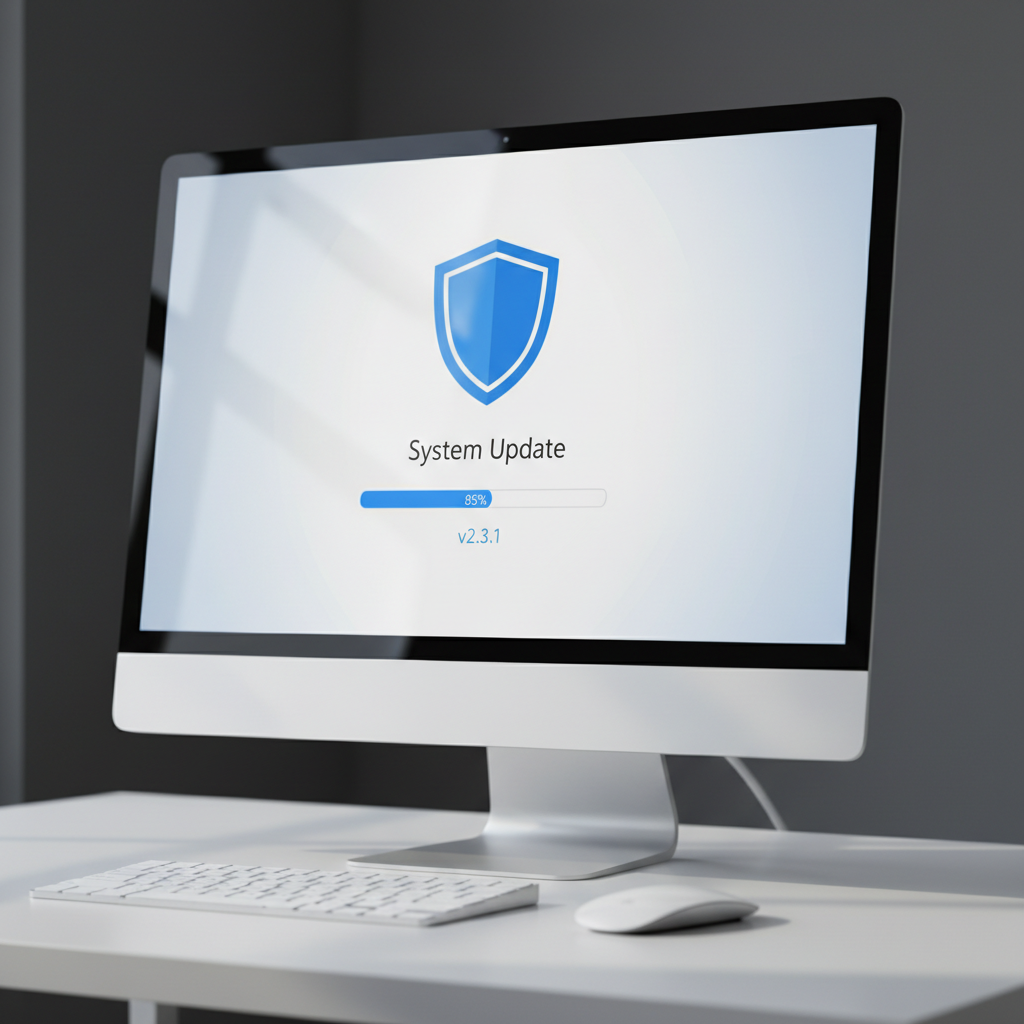
Software developers frequently release updates to patch vulnerabilities that could be exploited by viruses. Regular updates to your operating system and applications are essential in maintaining a secure environment. Enable automatic updates whenever possible to ensure you're always protected.
Backing Up Data
No system is completely immune to attacks. Regularly backing up your data ensures that, in the event of an infection, your important files remain safe. Consider using a combination of cloud storage and external hard drives for redundancy.
Conclusion
Preventing virus infections requires a proactive approach. By understanding the threats, using robust antivirus solutions, practicing safe browsing habits, and keeping systems updated, you can significantly reduce the risk of infection. Remember that vigilance and education are your best defenses against cyber threats.