
How to Set Up a Secure Home Wi-Fi Network in Bella Vista


Understanding the Basics of Home Wi-Fi Security
Setting up a secure home Wi-Fi network in Bella Vista is essential for protecting your personal data and ensuring a smooth internet experience. With the increase in cyber threats, taking the necessary steps to safeguard your network is crucial. This guide will walk you through the essential steps to enhance your Wi-Fi security.
Choosing the Right Router
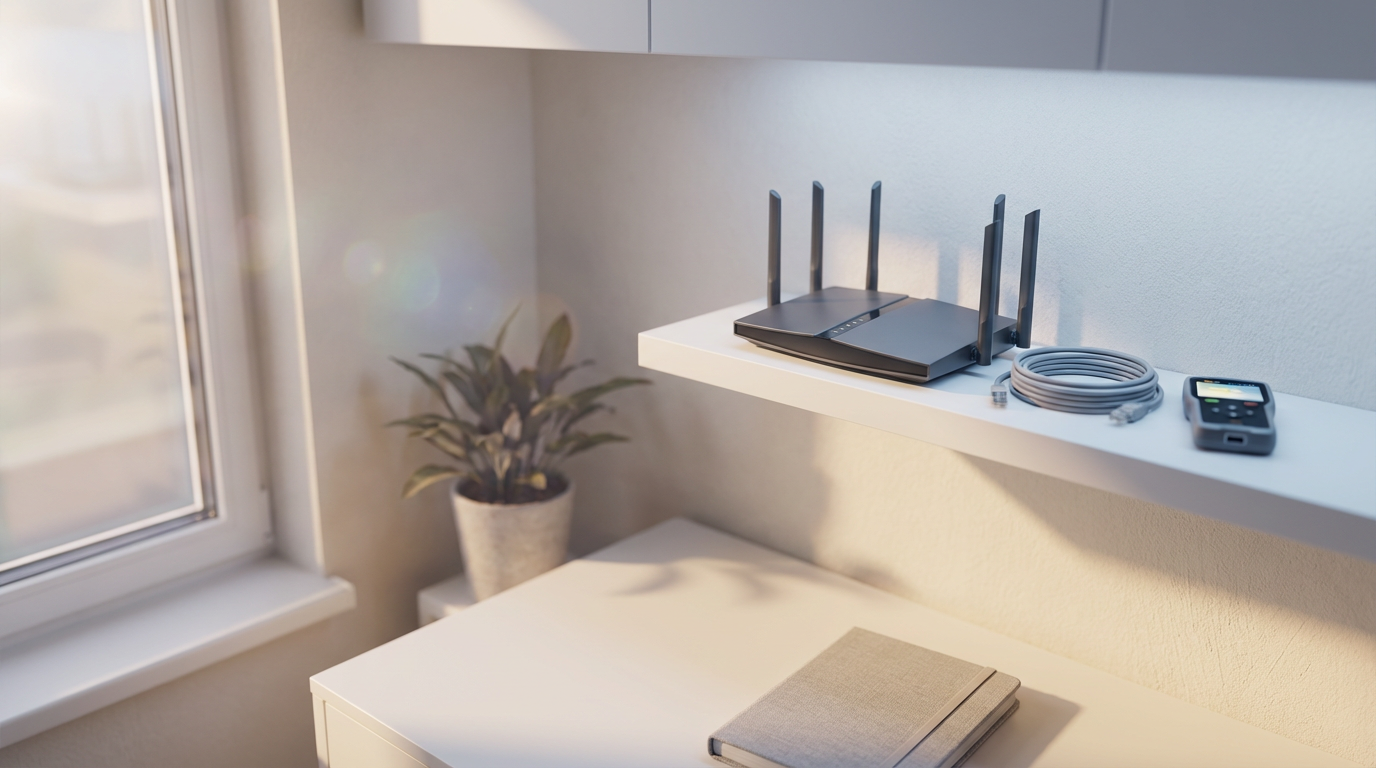
The first step in setting up a secure network is selecting the right router. Opt for a modern router that supports WPA3 encryption, as it offers enhanced security over older protocols. Ensure your router is from a reputable brand that regularly provides firmware updates to address any security vulnerabilities.
Changing Default Settings
After purchasing a router, it’s vital to change the default settings. Start by altering the default username and password. Default credentials are often easy targets for hackers. Choose a strong, unique password to protect your network.
Configuring Network Encryption
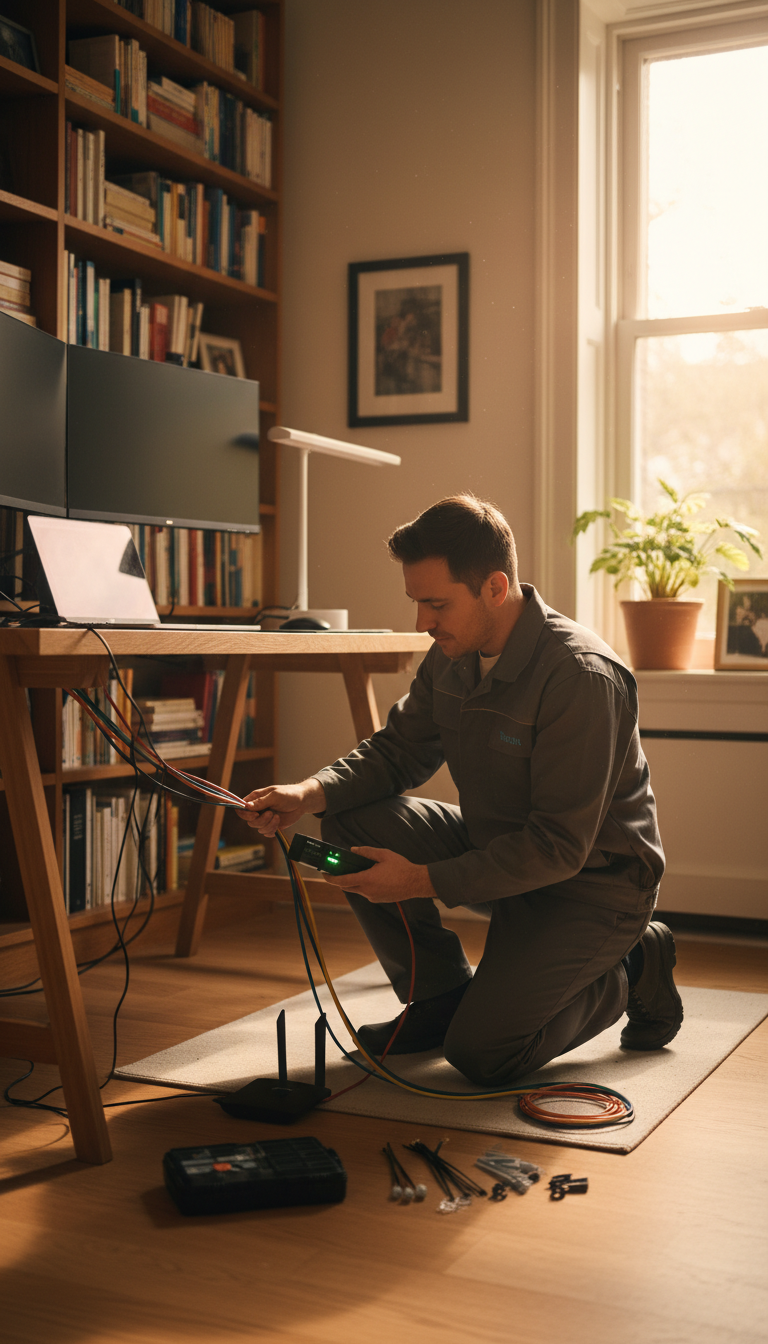
Encryption is a key component of Wi-Fi security. Ensure your network uses WPA3 encryption. If your router doesn’t support WPA3, WPA2 is an acceptable alternative, but avoid using WEP as it is outdated and insecure.
Creating a Guest Network
Creating a separate guest network is a smart way to keep your main network secure. This allows visitors to connect to the internet without accessing your primary network devices. Most modern routers offer this feature, enabling you to set up and manage a dedicated guest network easily.
Regularly Updating Your Router
Keeping your router’s firmware up to date is crucial for maintaining security. Manufacturers release updates to patch vulnerabilities and improve performance. Check for updates regularly through the router’s admin interface and apply them as soon as they are available.
Using Strong, Unique Passwords
Ensure your Wi-Fi network password is strong and unique. Use a combination of letters, numbers, and symbols to create a robust password. Avoid using easily guessed words or phrases, and consider changing your password periodically to enhance security.

Additional Security Measures
Consider implementing additional security measures such as enabling a firewall on your router and turning off WPS (Wi-Fi Protected Setup) if it’s not needed. Both steps help prevent unauthorized access to your network.
Monitoring Network Activity
Regularly monitoring your network for unusual activity can help identify potential security breaches. Many routers offer built-in tools for tracking connected devices and network usage. Familiarize yourself with these features to keep an eye on any suspicious activity.