- Blog
- ServicesHere's your portrait image and caption: **Image** (vertical, ready for Instagram/TikTok): a clean beige desktop tower with serial ports beside a vintage CRT monitor glowing softly in the workshop. --- **Caption:** Not everything needs to be cutting-edge to work perfectly. Some machines just need to keep doing their job — quietly, reliably, every single day. That's where we come in. For over **30 years**, Hills Computer Geeks has been building and repairing PCs across the Hills District. And yes, we still handle the classics: 🖥️ **Windows 95** 🖥️ **Windows XP** 🖥️ **Windows 7** Have equipment that still relies on a **serial port**? Cash registers, industrial gear, lab instruments, specialised machinery — we can build and repair the custom PCs that keep them running. We work with both **businesses** and **home users**, whether you need a legacy machine rebuilt from scratch or an old faithful brought back to life. Old tech isn't obsolete when it's in the right hands. Let's keep yours working. 📍 Baulkham Hills, NSW 📞 0407 400 405 #LegacyTech #CustomPCBuild #SerialPort #WindowsXP #HillsDistrict Would you like me to adjust the tone, shorten it, or try a different image style?

How to Set Up a Secure Home Wi-Fi Network in Baulkham Hills


Understanding the Importance of Wi-Fi Security
In today's digital age, having a secure home Wi-Fi network is crucial. Whether you're working from home, streaming your favorite shows, or managing smart home devices, a strong and secure connection is essential. Without proper security measures, your network could be vulnerable to unauthorized access, putting your personal information at risk.
Setting up a secure Wi-Fi network in Baulkham Hills involves more than just plugging in your router. By implementing a few key practices, you can significantly enhance your network's security and ensure that your data remains protected.
Choosing the Right Router
The first step in setting up a secure Wi-Fi network is selecting the right router. Look for a router that offers advanced security features such as WPA3 encryption, a built-in firewall, and automatic updates. These features provide an additional layer of protection against cyber threats.
Additionally, consider the range and speed of the router to ensure it meets the needs of your household. A router with strong coverage will prevent dead zones and maintain a stable connection throughout your home.
Configuring Your Router's Settings
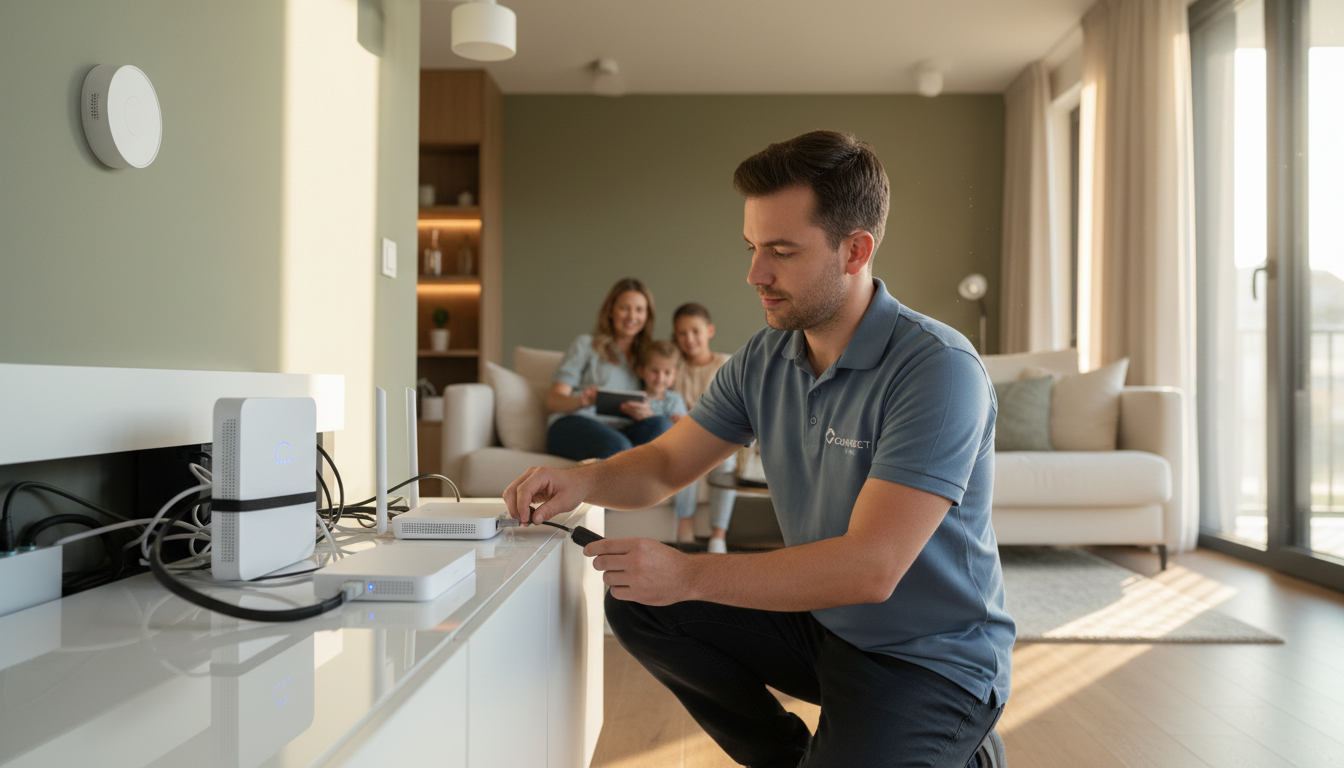
Once you have your router, it's time to configure its settings. Start by changing the default login credentials. Many routers come with generic usernames and passwords, which can be easily exploited by hackers. Create a strong, unique password to secure your router's admin panel.
Next, enable WPA3 encryption, which is the most secure Wi-Fi encryption standard available. If your router doesn't support WPA3, use WPA2 as a fallback. Avoid using outdated WEP encryption, as it is easily compromised.
Setting Up a Guest Network
To further protect your main network, consider setting up a guest network for visitors. This separates your personal devices from those of your guests, reducing the risk of unauthorized access to sensitive information. Most modern routers offer the option to create a guest network with its own password.
Be sure to regularly update the guest network password to maintain security and prevent long-term access by previous guests.
Regularly Updating Firmware
Router manufacturers frequently release firmware updates to patch security vulnerabilities and improve performance. Regularly check for updates and install them promptly to keep your network secure. Many routers allow you to enable automatic updates, ensuring that you don’t miss critical security patches.
Monitoring Network Activity
Keeping an eye on your network activity can help you identify any suspicious behavior. Use your router’s management interface to view connected devices and monitor their activity. If you notice any unfamiliar devices, investigate and take action to remove them if necessary.
Conclusion
Setting up a secure home Wi-Fi network in Baulkham Hills is a straightforward process that can significantly enhance your digital safety. By choosing the right router, configuring security settings, and maintaining regular updates, you can protect your personal information from cyber threats.
Take the time to implement these practices and enjoy the peace of mind that comes with a secure and reliable Wi-Fi connection.