
How to Optimize Your Home Wi-Fi Setup for Better Performance


Understanding Your Wi-Fi Needs
In today's digital age, a reliable Wi-Fi connection is essential for everything from remote work to streaming your favorite shows. Optimizing your home Wi-Fi setup can significantly enhance performance and ensure that all your devices stay connected seamlessly. Before diving into hardware adjustments, it's crucial to assess your specific needs, such as the number of devices and typical usage patterns.
Consider the size of your home and the types of activities you perform online. Streaming, gaming, and video conferencing require more bandwidth than browsing or emailing. Understanding these needs helps in choosing the right equipment and settings.
Choosing the Right Equipment
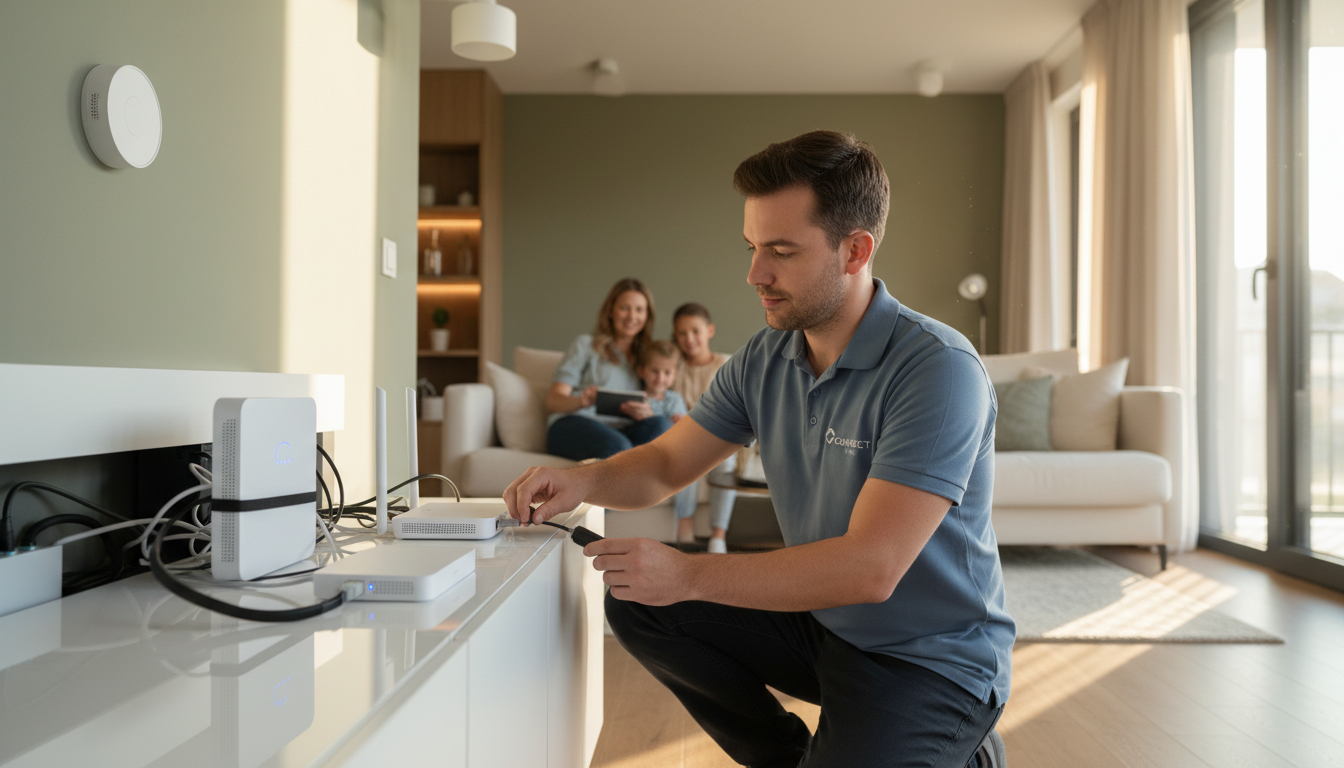
The foundation of a solid Wi-Fi network is your router. Investing in a high-quality router can make a world of difference. Look for routers that support the latest standards, like Wi-Fi 6, which offers faster speeds and better performance in crowded environments. Additionally, consider routers with dual or tri-band capabilities to separate traffic and reduce congestion.
Mesh networks are another great option for larger homes. These systems use multiple access points to cover your entire home with a strong Wi-Fi signal, eliminating dead zones and providing a seamless experience as you move from room to room.
Optimal Router Placement
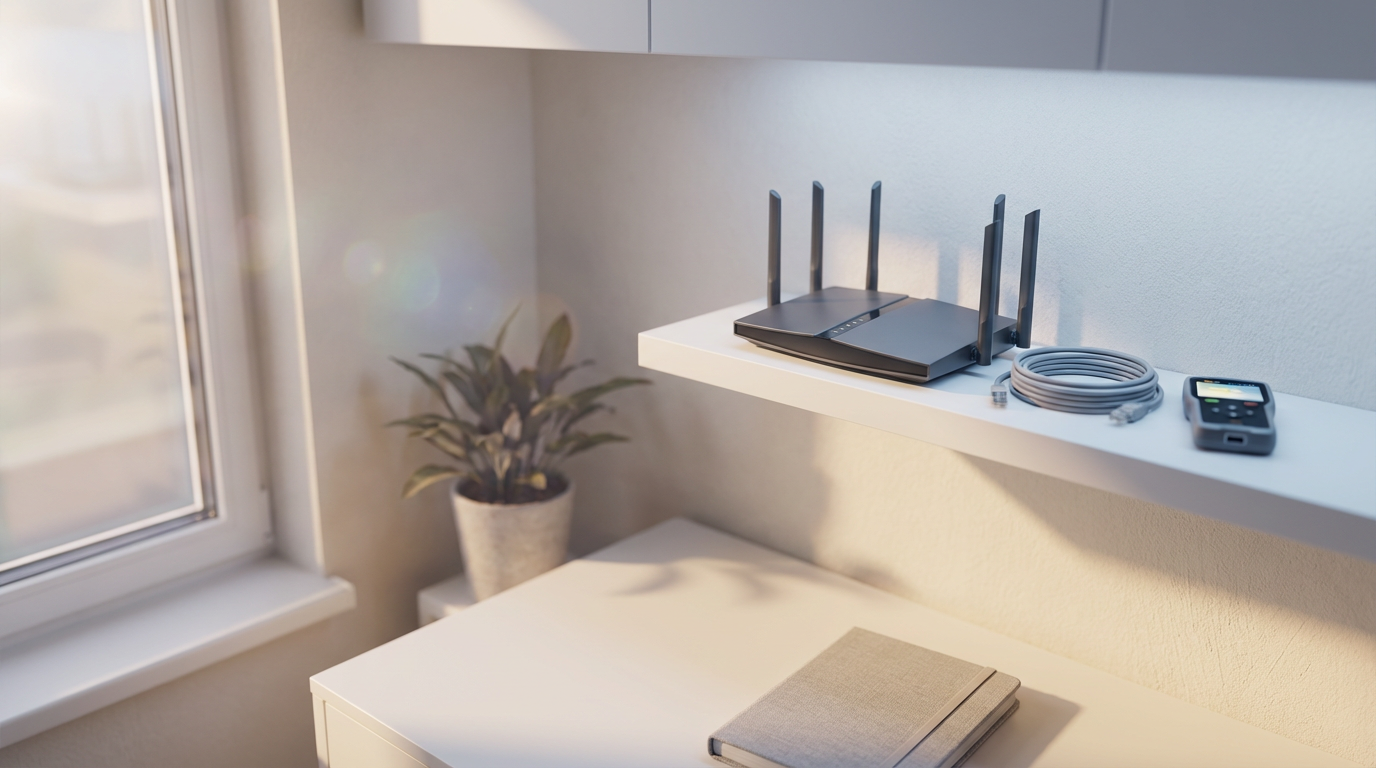
Where you place your router can dramatically impact your Wi-Fi performance. Ideally, place your router in a central location, away from walls and obstructions. Elevate it on a shelf or mount it on a wall to increase its coverage area. Avoid placing it near appliances or metal objects that can interfere with the signal.
If you're experiencing weak signals in certain areas, consider using Wi-Fi extenders or powerline adapters to boost coverage. These devices help extend the range of your Wi-Fi network without requiring additional wiring.
Securing Your Network
Security is a crucial aspect of optimizing your Wi-Fi setup. Ensure your network is password-protected using WPA3 encryption for the best security. Regularly update your router's firmware to protect against vulnerabilities and improve performance.
Change the default login credentials of your router to prevent unauthorized access. Additionally, consider setting up a guest network for visitors to keep your main network secure.
Managing Your Network
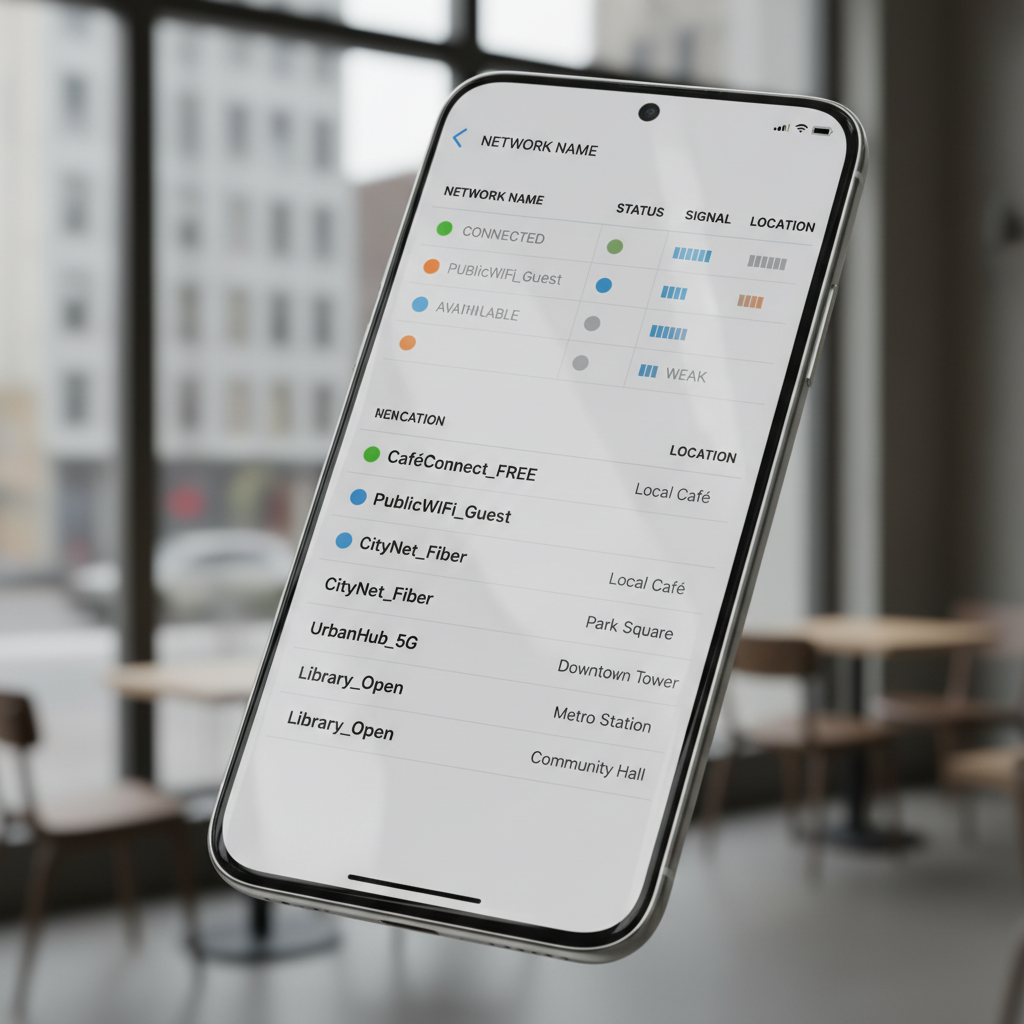
Modern routers offer various tools to help manage your network effectively. Use Quality of Service (QoS) settings to prioritize bandwidth for critical applications, ensuring smooth performance for video calls or gaming. Most routers come with user-friendly apps that allow you to monitor network activity and manage connected devices easily.
Consider scheduling regular reboots of your router to clear memory and refresh connections, which can help improve overall performance. This can often be done automatically through the router's settings.
Conclusion
Optimizing your home Wi-Fi setup doesn't have to be complicated. By understanding your needs, choosing the right equipment, placing your router strategically, securing your network, and effectively managing your settings, you can enjoy a fast and reliable connection throughout your home. With these tips, you'll be well on your way to a seamless online experience.