
Expert Tips for Maximizing Your Computer's Lifespan in Bella Vista


In the picturesque community of Bella Vista, technology enthusiasts are always looking for ways to keep their computers running smoothly. Maximizing your computer's lifespan is not only cost-effective but also environmentally friendly. Follow these expert tips to ensure your device remains in top condition for years to come.
Regular Maintenance and Cleaning
One of the simplest yet most effective ways to extend your computer's life is through regular maintenance. Dust accumulation can lead to overheating, which is a common cause of hardware failure. Make it a habit to clean your computer's interior every few months. Use compressed air to remove dust from fans and vents.

In addition, keep your software up to date. Software updates often include important security patches and performance improvements. Enable automatic updates to ensure your system is always protected.
Optimizing System Performance
Over time, your computer's performance may start to lag. To combat this, regularly check for unnecessary programs running in the background. These can consume valuable resources and slow down your system. Use the Task Manager to identify and disable unneeded applications.
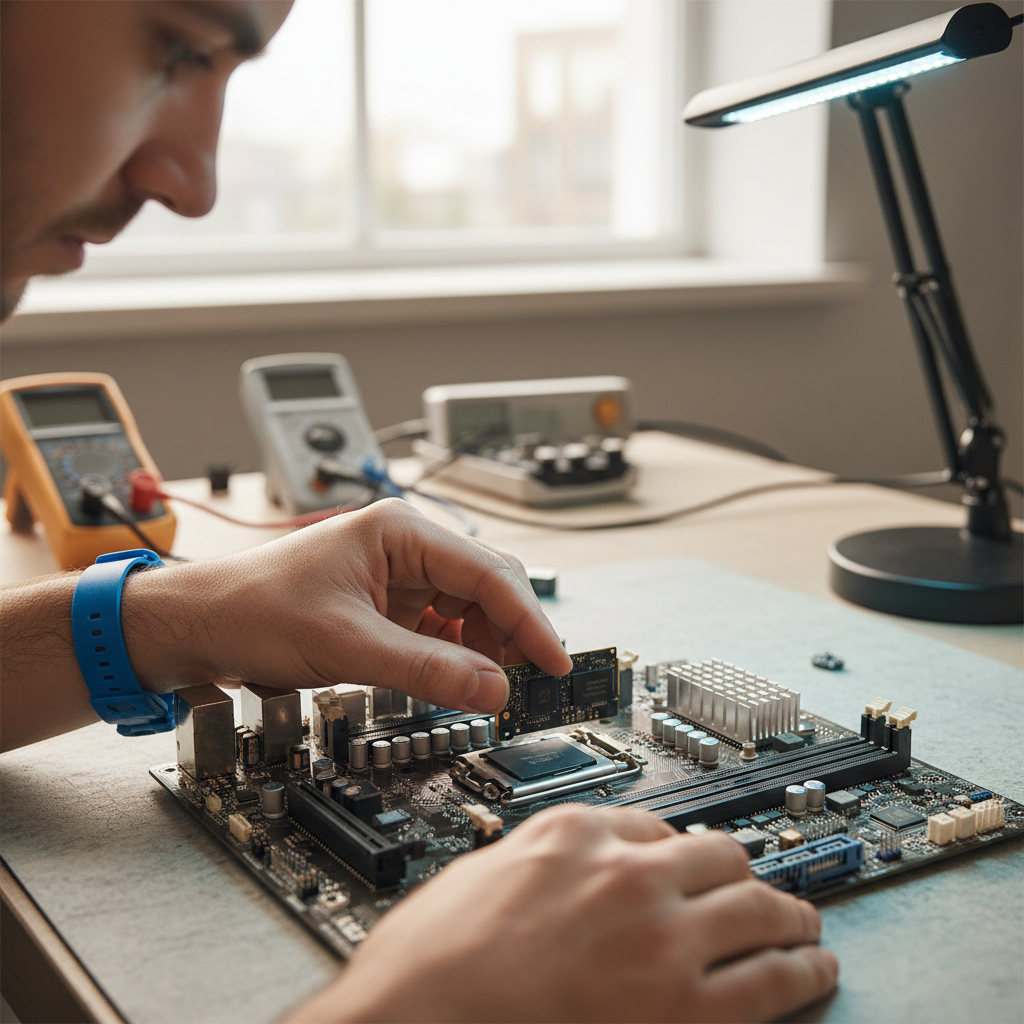
Additionally, consider upgrading your RAM or switching to a solid-state drive (SSD) for a significant performance boost. These upgrades can make a noticeable difference in speed and responsiveness.
Protecting Against Malware
Malware can wreak havoc on your computer, leading to data loss and decreased performance. Install reputable antivirus software and perform regular scans to keep your system safe. Be cautious of suspicious emails and downloads, as these are common vectors for malware.
It's also wise to implement a strong firewall and use secure passwords to protect your personal information. Consider using a password manager to keep track of your credentials and ensure they are strong and unique.

Temperature and Environment Control
Computers are sensitive to their environment. Avoid placing your device in areas with high humidity or direct sunlight, as these conditions can cause overheating and damage. Ensure your computer is in a well-ventilated area to allow for proper airflow.
Invest in a cooling pad if you're using a laptop, especially for extended periods. This can help dissipate heat and prevent overheating, thereby prolonging the device's lifespan.
Backing Up Data Regularly
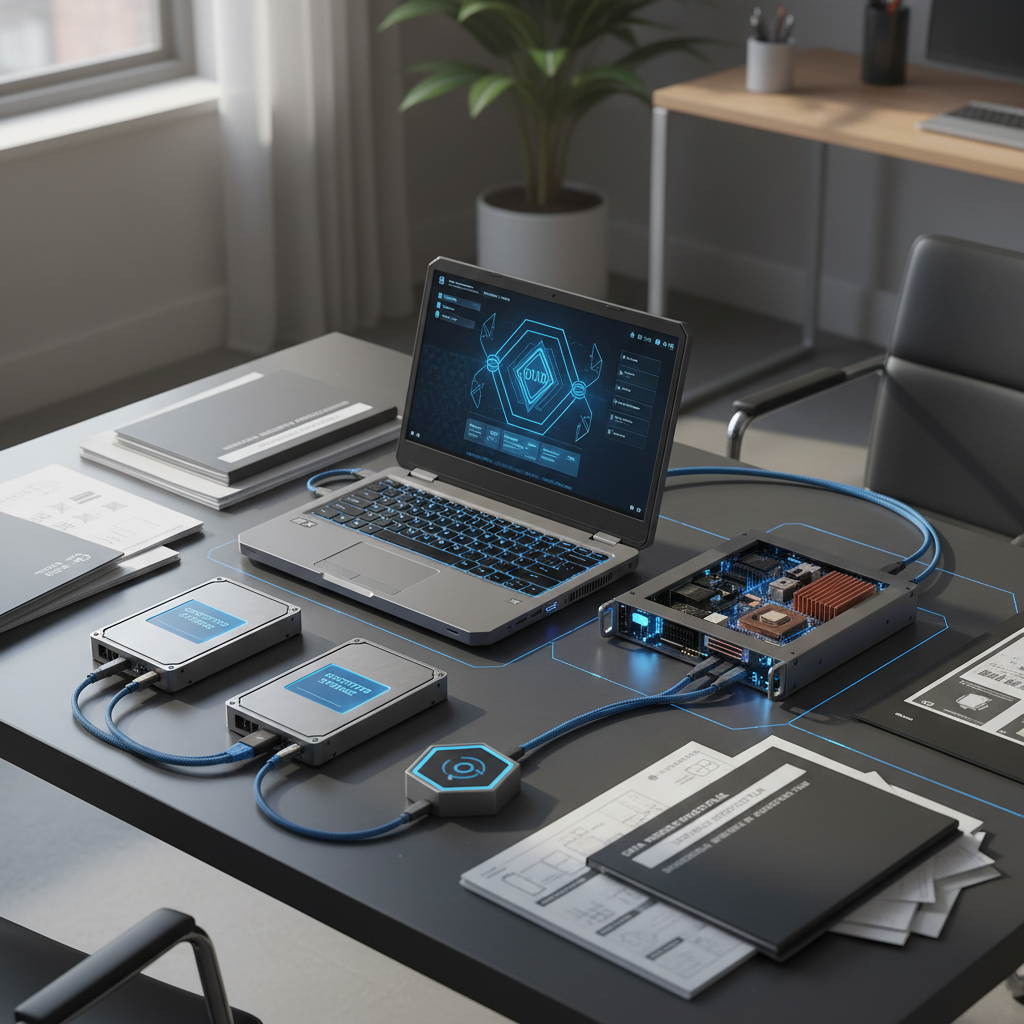
Data loss can be devastating, and hardware failures are unpredictable. Regularly back up your important files to an external hard drive or cloud storage. This ensures that your data is safe even if your computer encounters a problem.
Setting up automatic backups can save you time and provide peace of mind. This practice not only protects your data but also reduces stress in case of unexpected issues.
By following these expert tips, residents of Bella Vista can enjoy extended use of their computers and avoid the frustration of unexpected breakdowns. Regular maintenance, performance optimization, and proactive protection measures are key to maximizing your computer's lifespan. Implement these strategies today and keep your technology running smoothly for years to come.