
Essential Summer PC Maintenance Tips for Hills District Residents


Introduction to Summer PC Maintenance
As the summer heat rolls into the Hills District, it's essential to ensure that your personal computer remains in optimal condition. High temperatures and increased humidity can wreak havoc on your PC, leading to overheating and potential hardware damage. In this post, we'll explore essential summer PC maintenance tips to keep your device running smoothly all season long.
Keep Your PC Cool
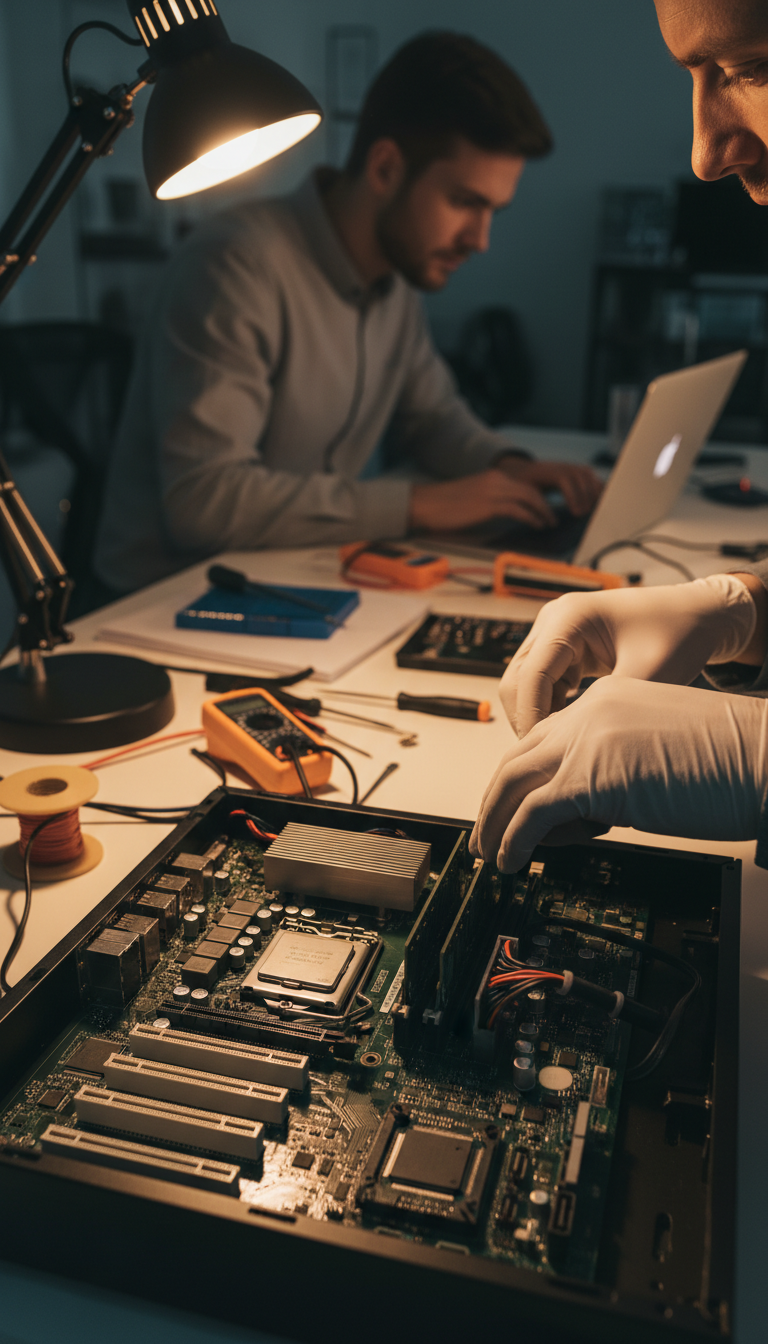
One of the most critical aspects of summer PC maintenance is temperature management. Heat is the enemy of electronic components, and excessive heat can lead to performance issues or permanent damage.
Ensure Proper Ventilation
Make sure your PC is placed in a well-ventilated area. Avoid keeping it in enclosed spaces like cabinets or near heat sources. If possible, elevate your PC to allow better airflow underneath.
Regularly Clean Dust and Debris
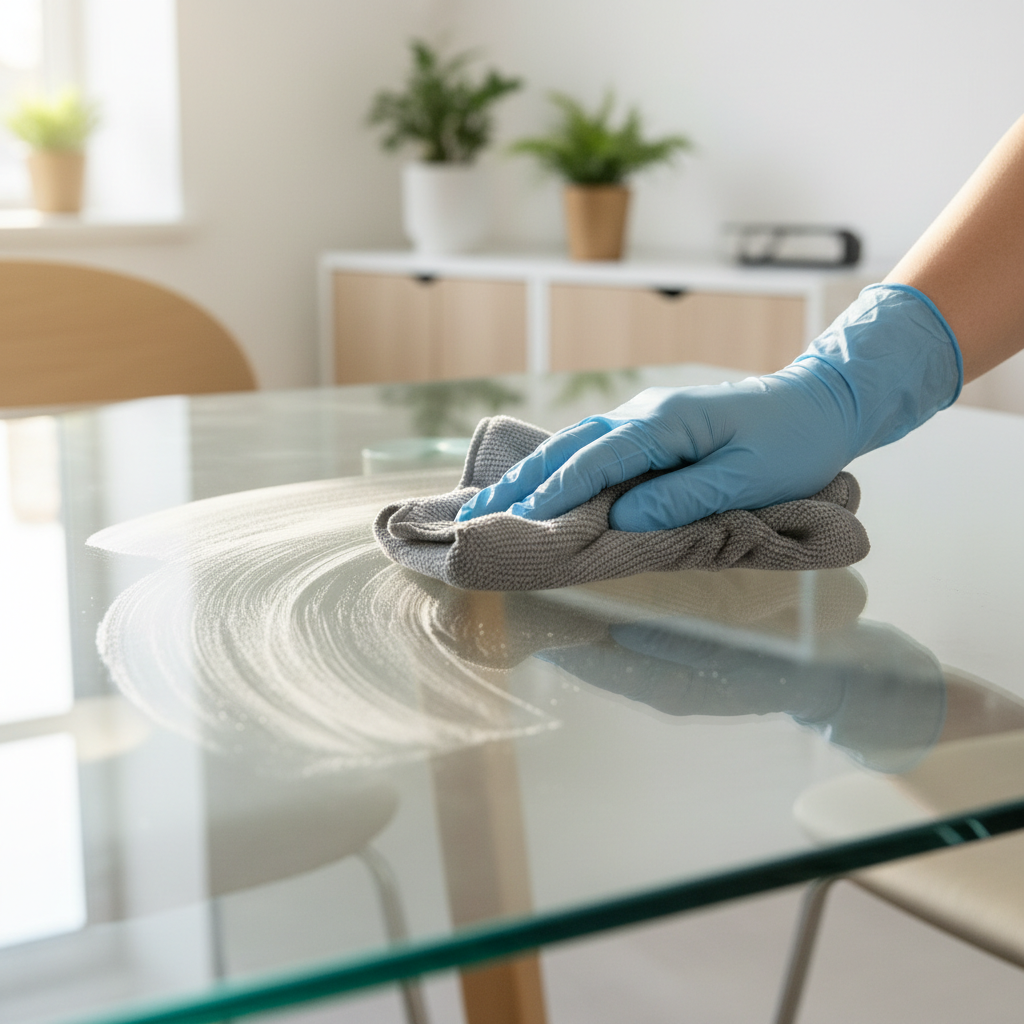
Dust accumulation can block vents and fans, restricting airflow and increasing temperature. Regularly clean your PC's interior and exterior using compressed air to remove dust from fans, vents, and other components.
Monitor Your PC's Performance
Monitoring your PC's performance is crucial to identify potential issues early. Use software tools to track temperature and system performance. Many free and paid applications can provide real-time monitoring of CPU and GPU temperatures.
Upgrade Cooling Solutions
If your PC frequently overheats, consider upgrading its cooling system. Options include adding more fans, installing a liquid cooling system, or using thermal paste to improve heat dissipation. Investing in quality cooling solutions can significantly extend your PC's lifespan.

Protect Against Power Surges
Summer storms and electrical surges can damage your PC. Protect your device by using a surge protector or an uninterruptible power supply (UPS). These devices help prevent power fluctuations from reaching your computer, offering a layer of safety against unexpected outages.
Regular Software Updates
Keep your operating system and software updated. Regular updates not only enhance security but also improve the overall performance of your PC. Enable automatic updates or set reminders to check for the latest updates regularly.
Backup Critical Data
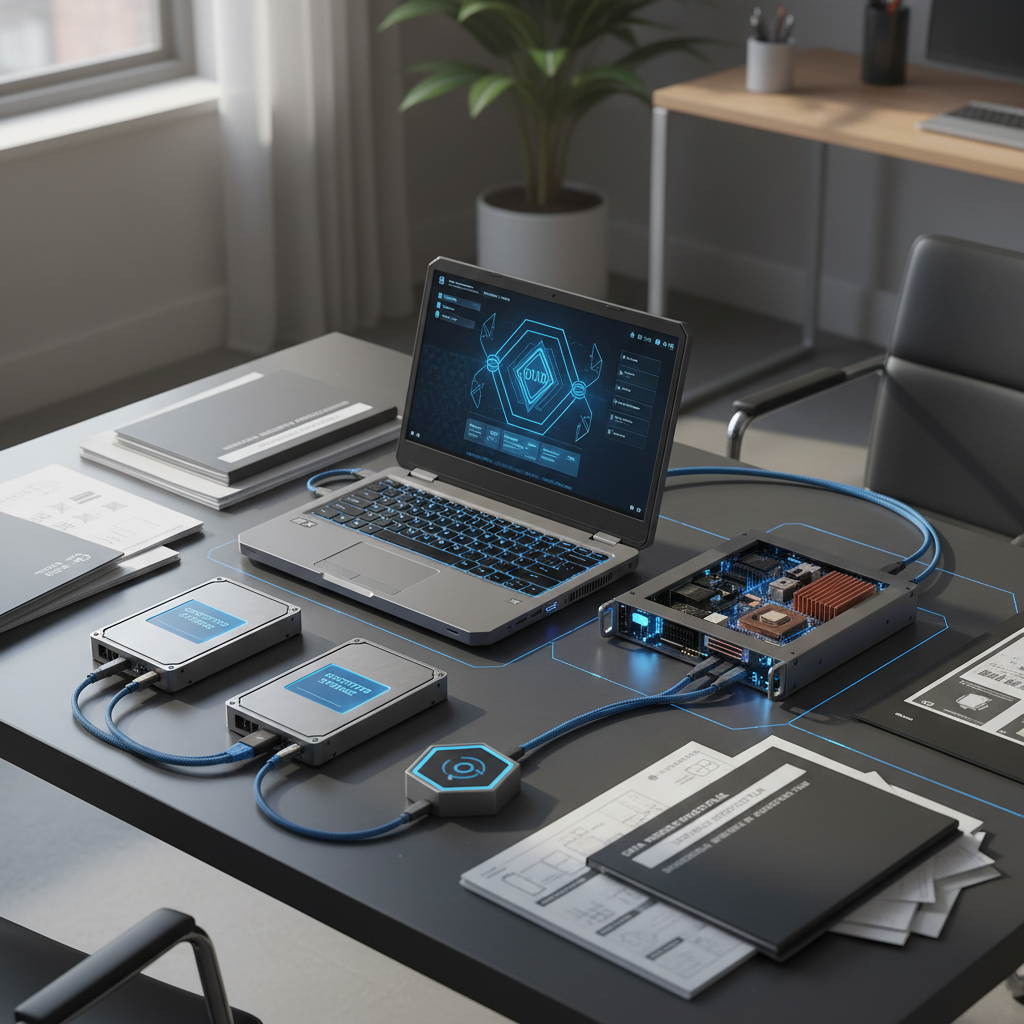
Summer is an excellent time to review your data backup strategy. Whether you use cloud storage or external hard drives, ensure your essential files are backed up regularly. This practice safeguards your data against unexpected hardware failures or data loss incidents.
Conclusion
By following these essential summer PC maintenance tips, Hills District residents can protect their computers from potential heat-related issues. Regular cleaning, monitoring performance, and ensuring proper cooling can go a long way in maintaining your PC's health. Stay proactive and enjoy a worry-free summer with a well-maintained computer!