- Blog
- ServicesHere's your portrait image and caption: **Image** (vertical, ready for Instagram/TikTok): a clean beige desktop tower with serial ports beside a vintage CRT monitor glowing softly in the workshop. --- **Caption:** Not everything needs to be cutting-edge to work perfectly. Some machines just need to keep doing their job — quietly, reliably, every single day. That's where we come in. For over **30 years**, Hills Computer Geeks has been building and repairing PCs across the Hills District. And yes, we still handle the classics: 🖥️ **Windows 95** 🖥️ **Windows XP** 🖥️ **Windows 7** Have equipment that still relies on a **serial port**? Cash registers, industrial gear, lab instruments, specialised machinery — we can build and repair the custom PCs that keep them running. We work with both **businesses** and **home users**, whether you need a legacy machine rebuilt from scratch or an old faithful brought back to life. Old tech isn't obsolete when it's in the right hands. Let's keep yours working. 📍 Baulkham Hills, NSW 📞 0407 400 405 #LegacyTech #CustomPCBuild #SerialPort #WindowsXP #HillsDistrict Would you like me to adjust the tone, shorten it, or try a different image style?

DIY Computer Maintenance: Tips from the Experts


Introduction to DIY Computer Maintenance
Maintaining your computer doesn’t have to be a daunting task. With a few simple steps, you can ensure your machine runs smoothly and efficiently. Whether you're a tech-savvy individual or just starting out, performing regular maintenance can prevent unexpected breakdowns and prolong the life of your device.
Regular Software Updates
One of the easiest ways to keep your computer in top shape is by ensuring all your software is up to date. Software developers continually release updates to fix bugs and improve performance. By staying current with these updates, you can protect your system from vulnerabilities and enhance its capabilities.

Operating System Updates
Make it a habit to regularly check for operating system updates. These updates often contain security patches that protect your computer from malware and viruses. Set your system to update automatically if possible, or create a reminder to manually check for updates at least once a month.
Hardware Cleaning and Care
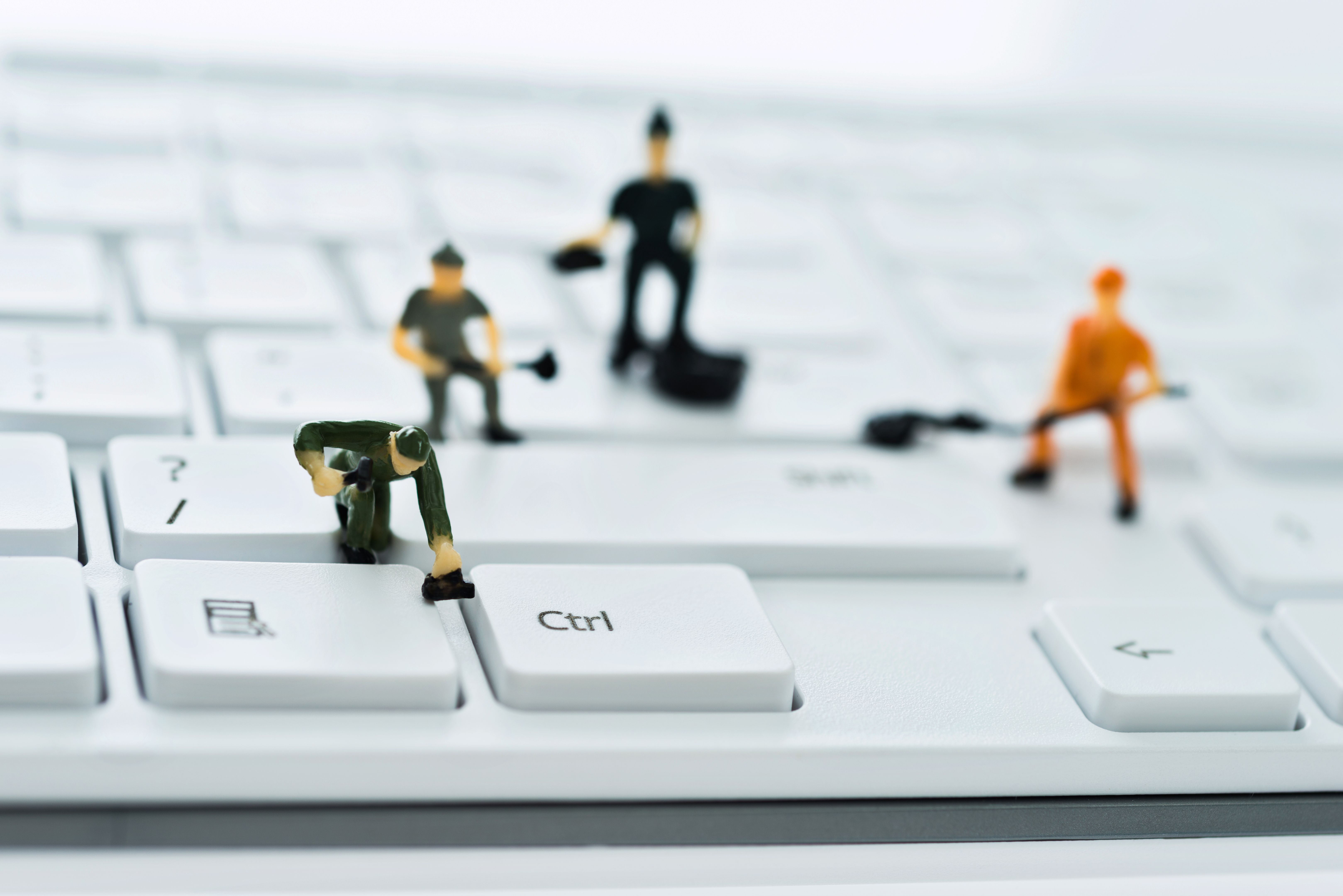
Dust and debris can accumulate inside and outside your computer, leading to overheating and hardware failure. Regularly cleaning your computer not only improves its performance but also extends its lifespan. Here are some tips for effective cleaning:
- Turn off and unplug your computer before cleaning.
- Use a soft brush or compressed air to remove dust from vents and fans.
- Clean the keyboard and monitor with a microfiber cloth and appropriate cleaning solution.
Optimizing Storage
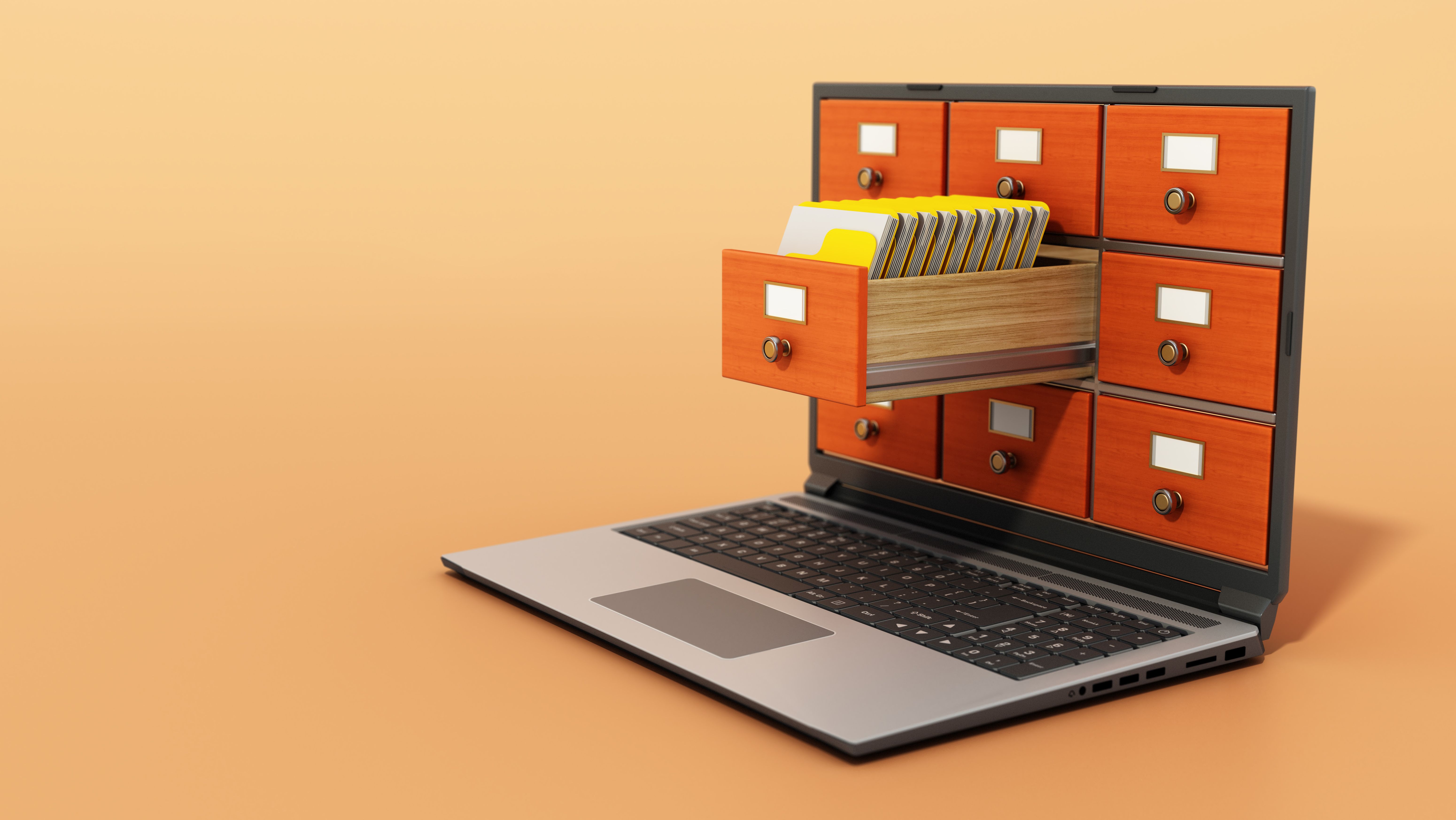
Over time, files and applications can clutter your hard drive, slowing down your system. Regularly organizing and optimizing storage can significantly enhance performance. Consider the following steps:
Deleting Unnecessary Files
Periodically review your files and delete those you no longer need. Use disk cleanup tools to remove temporary files, duplicates, and other unnecessary data. This will free up space and improve overall efficiency.
Organizing Files
Create a structured file system with folders and subfolders to keep your documents organized. This not only makes it easier to find what you need but also helps in managing storage effectively.
Regular Backups
Data loss can occur due to hardware failure, accidental deletion, or malware attacks. To safeguard your important information, perform regular backups. Choose a reliable external hard drive or cloud-based service to store copies of your files. Schedule automatic backups to ensure you never lose critical data.
Conclusion
By following these expert tips on DIY computer maintenance, you can enjoy a faster, more reliable, and longer-lasting machine. Regular care not only improves performance but also protects your investment. Embrace these simple practices to keep your computer running smoothly for years to come.