
Debunking Common Computer Repair Myths: What You Need to Know


Introduction
Computer issues can be incredibly frustrating, and the plethora of advice available online doesn't always help. Many myths about computer repair continue to circulate, leading to confusion and sometimes costly mistakes. In this post, we will debunk some of the most common myths to help you make informed decisions about your computer's health.
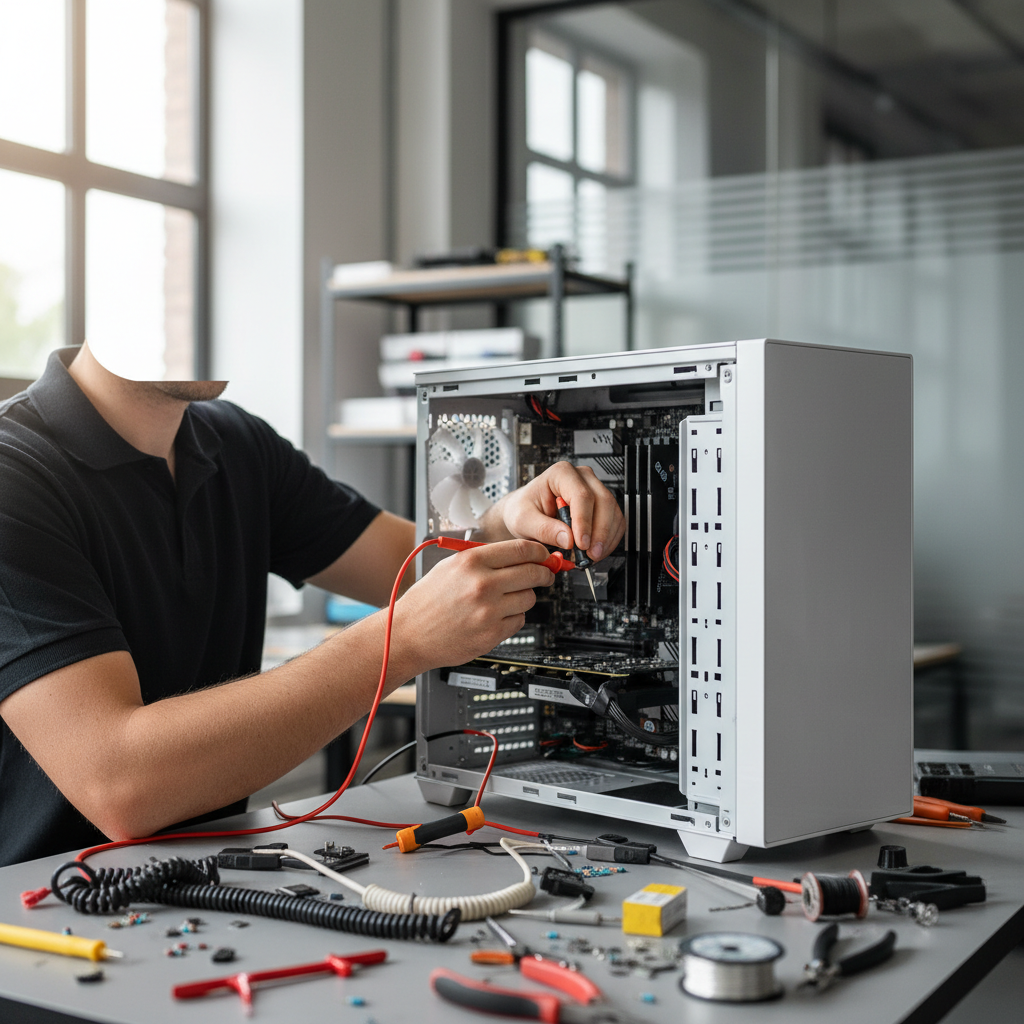
Myth 1: More RAM Always Means a Faster Computer
While it's true that adding RAM can improve performance, it's not a cure-all solution. The actual speed improvement depends on how much RAM is currently installed and what applications are being used. Overloading your computer with unnecessary RAM won't yield significant benefits if the existing RAM is sufficient for your tasks.
For example, if you only use your computer for basic tasks like browsing the internet and word processing, adding more RAM won't make much difference. However, for memory-intensive tasks like video editing or gaming, more RAM can be beneficial.
Myth 2: Viruses and Malware Only Affect PCs
Many people believe that Macs are immune to viruses and malware, but this is a misconception. While it's true that Windows PCs are more frequently targeted due to their larger market share, macOS is not invulnerable. Cybercriminals do create malware specifically for Macs, so it's crucial to have reliable antivirus software installed regardless of your operating system.
Both Windows and Mac users should practice safe browsing habits and be cautious about downloading software from untrusted sources.

Myth 3: You Should Shut Down Your Computer Every Night
This is a common belief, but shutting down isn't always necessary. Modern computers are designed to handle being left on for extended periods. In fact, constantly turning your computer on and off can cause wear and tear over time. Consider using sleep or hibernate modes if you plan to use your computer throughout the day.
These modes save energy and allow you to quickly resume your work without going through a full startup process.

Myth 4: DIY Repairs Are Always Cheaper
While DIY repairs can save money, they can also lead to more significant problems if not done correctly. Lack of expertise might result in damaged components or voided warranties. It's essential to weigh the risks and benefits before attempting any repairs yourself. If you're unsure, consulting a professional may be the safer and more cost-effective option.
Conclusion
Understanding the truth behind these common computer repair myths can help you make better decisions about maintaining and repairing your devices. Always stay informed and don't hesitate to seek professional help when needed. By debunking these myths, we hope to empower you with the knowledge to keep your computer running smoothly.